

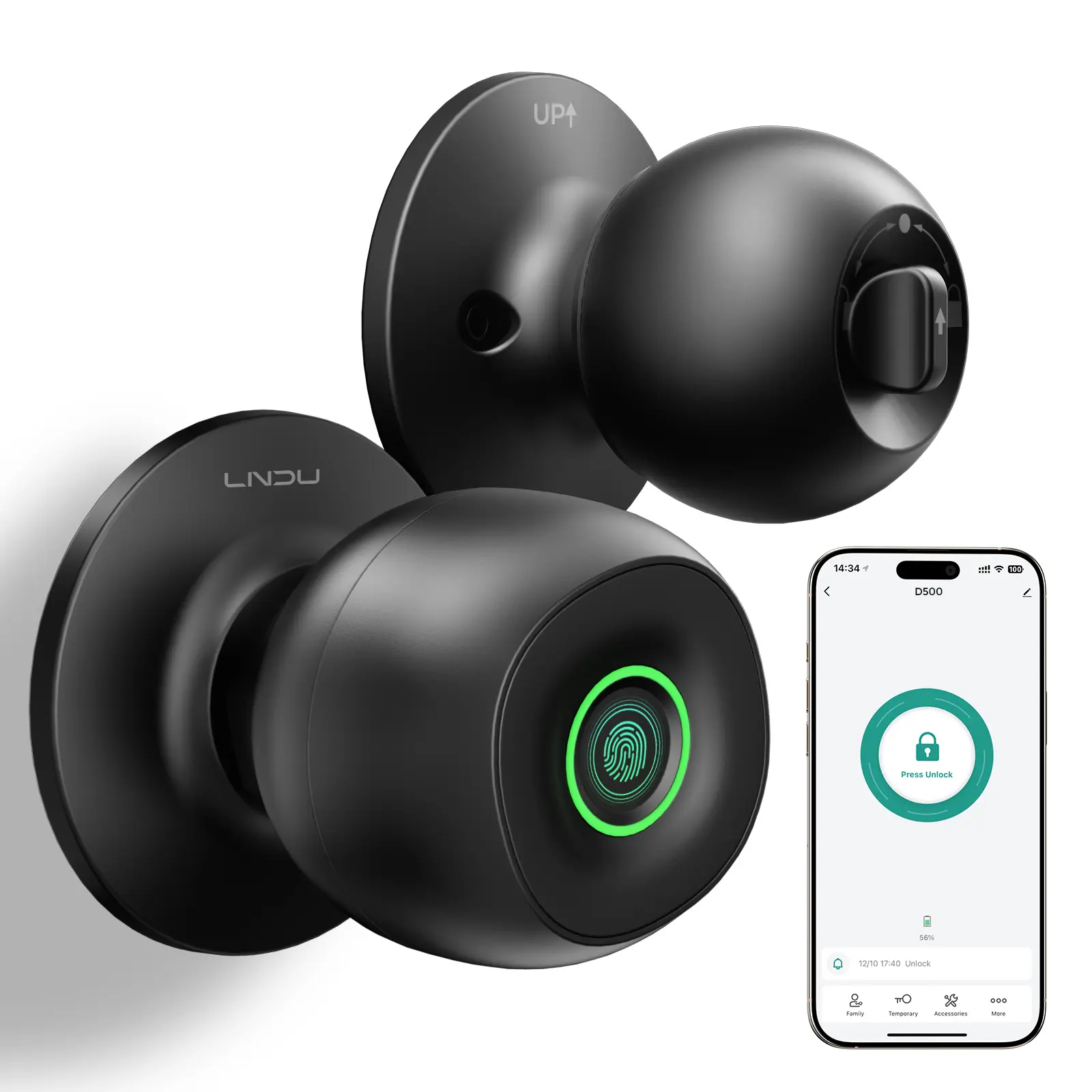
LNDU D500 Smart Fingerprint Entrance Door Lock with App Control
Manage access to compatible interior doors with the LNDU D500 smart Entrance Door Lock from Idiello.com. This fingerprint door knob combines biometric recognition, smartphone-app control and mechanical-key backup access in one convenient design.
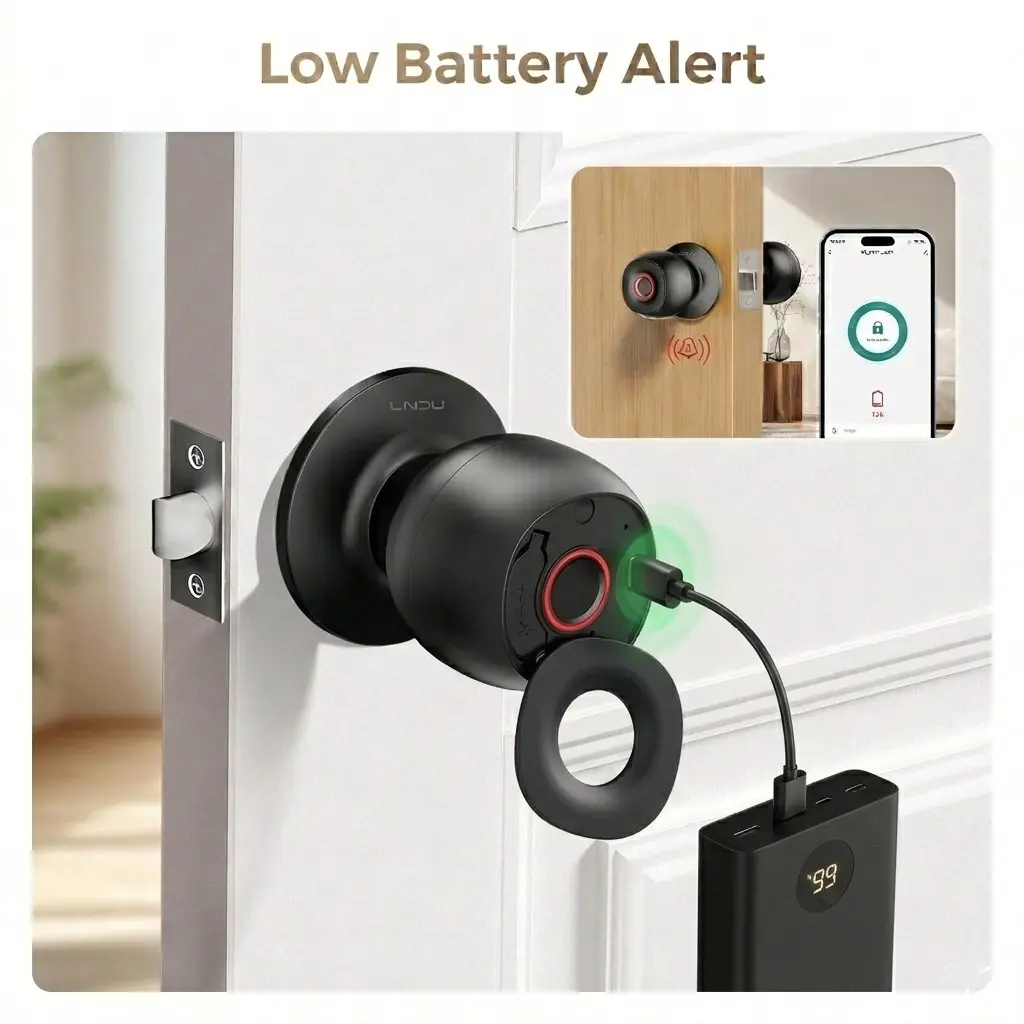
The lock can store up to 100 fingerprints and includes Auto-Lock, Passage and Privacy operating modes. It also provides a low-battery warning and a Type-C emergency power connection for temporary access if the installed batteries become depleted.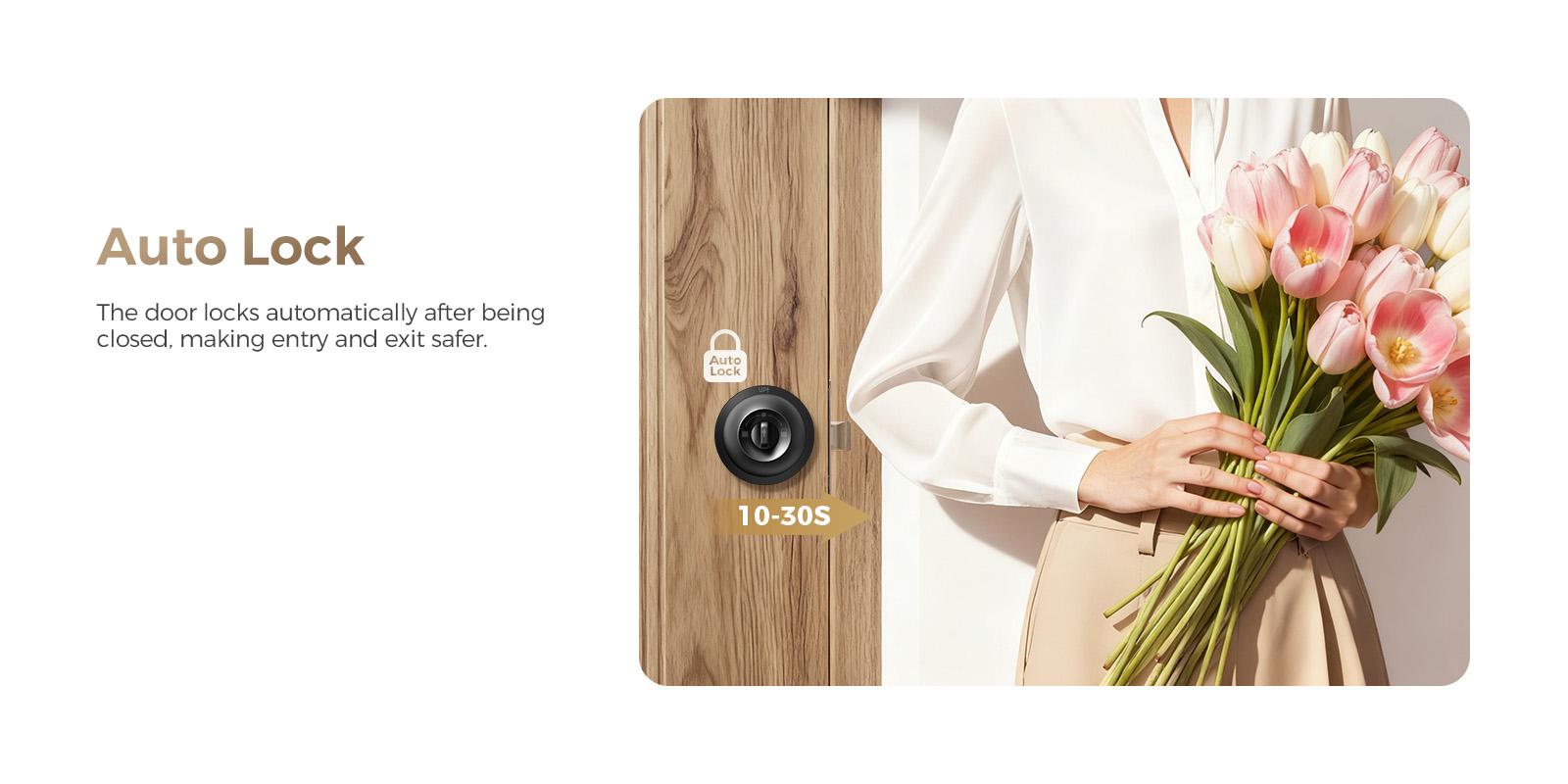
Key Features of the Entrance Door Lock
The LNDU D500 combines biometric access, app-based settings and traditional backup entry for compatible doors.
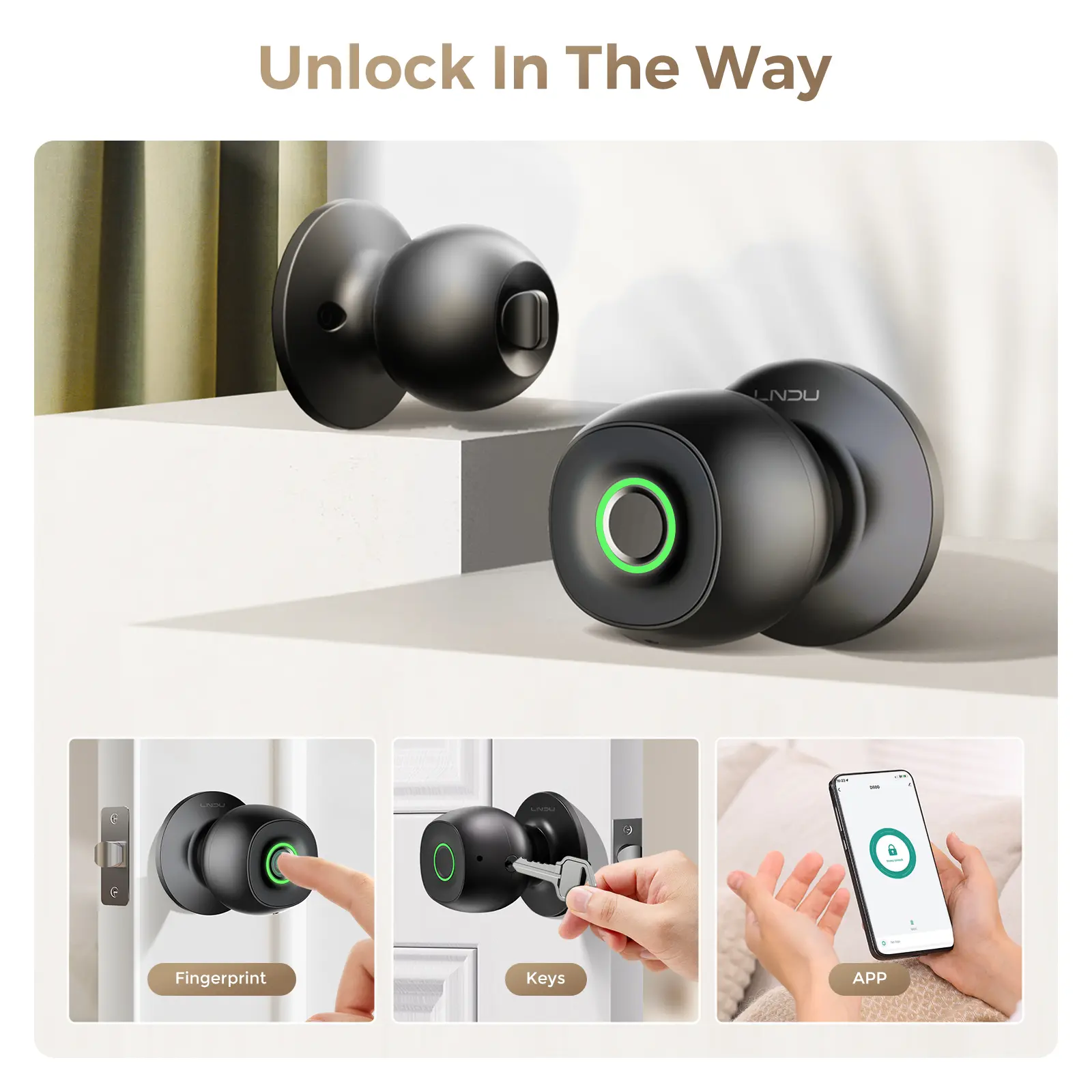
Three Access Methods
The lock provides three stated ways to unlock a compatible door:
- Fingerprint: Use a previously registered fingerprint.
- Smartphone App: Use supported app functions for access and settings.
- Mechanical Key: Use the physical backup key when electronic access is unavailable.
Because mechanical backup keys are supplied, the product should not be described as completely keyless.
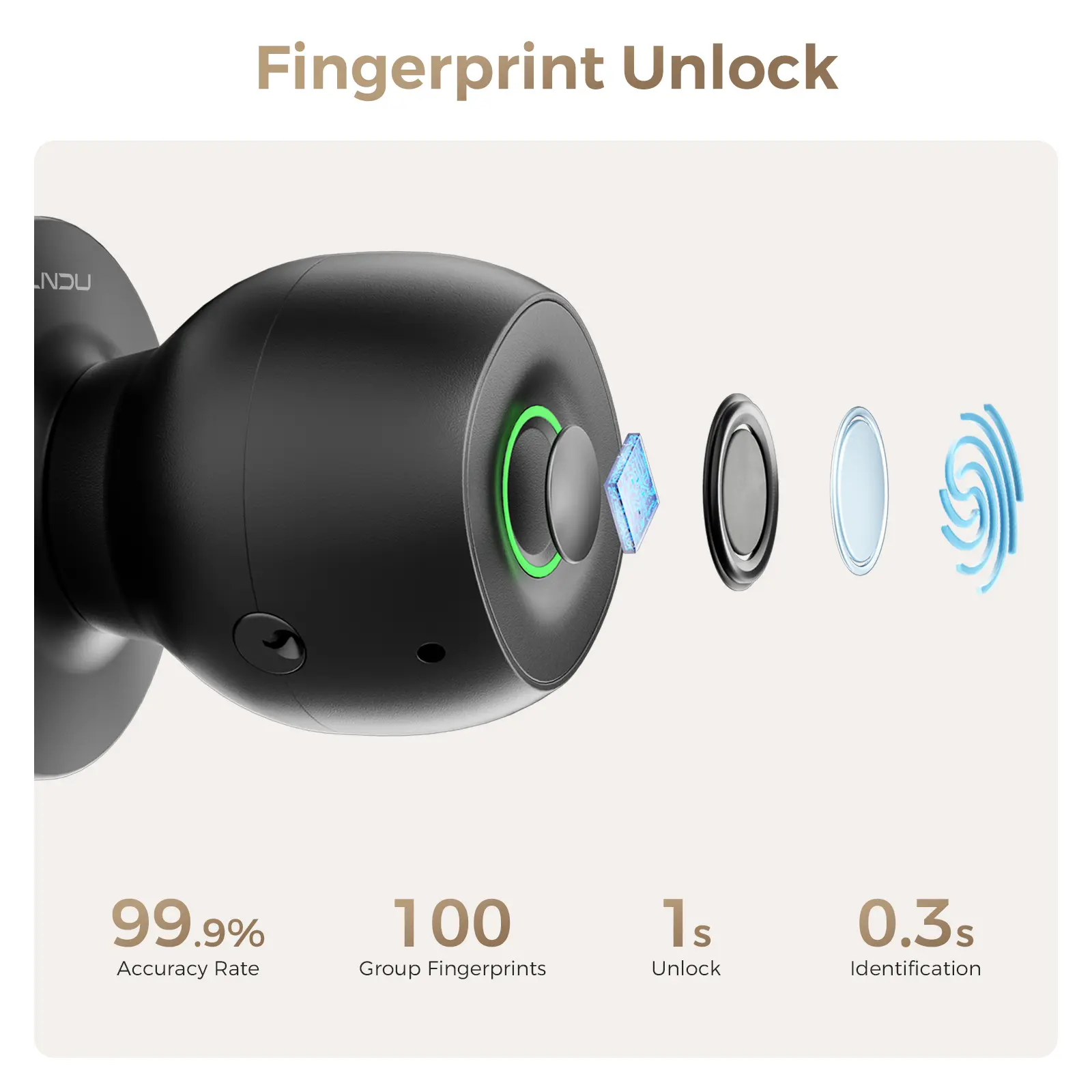
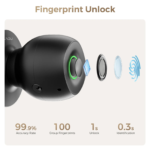
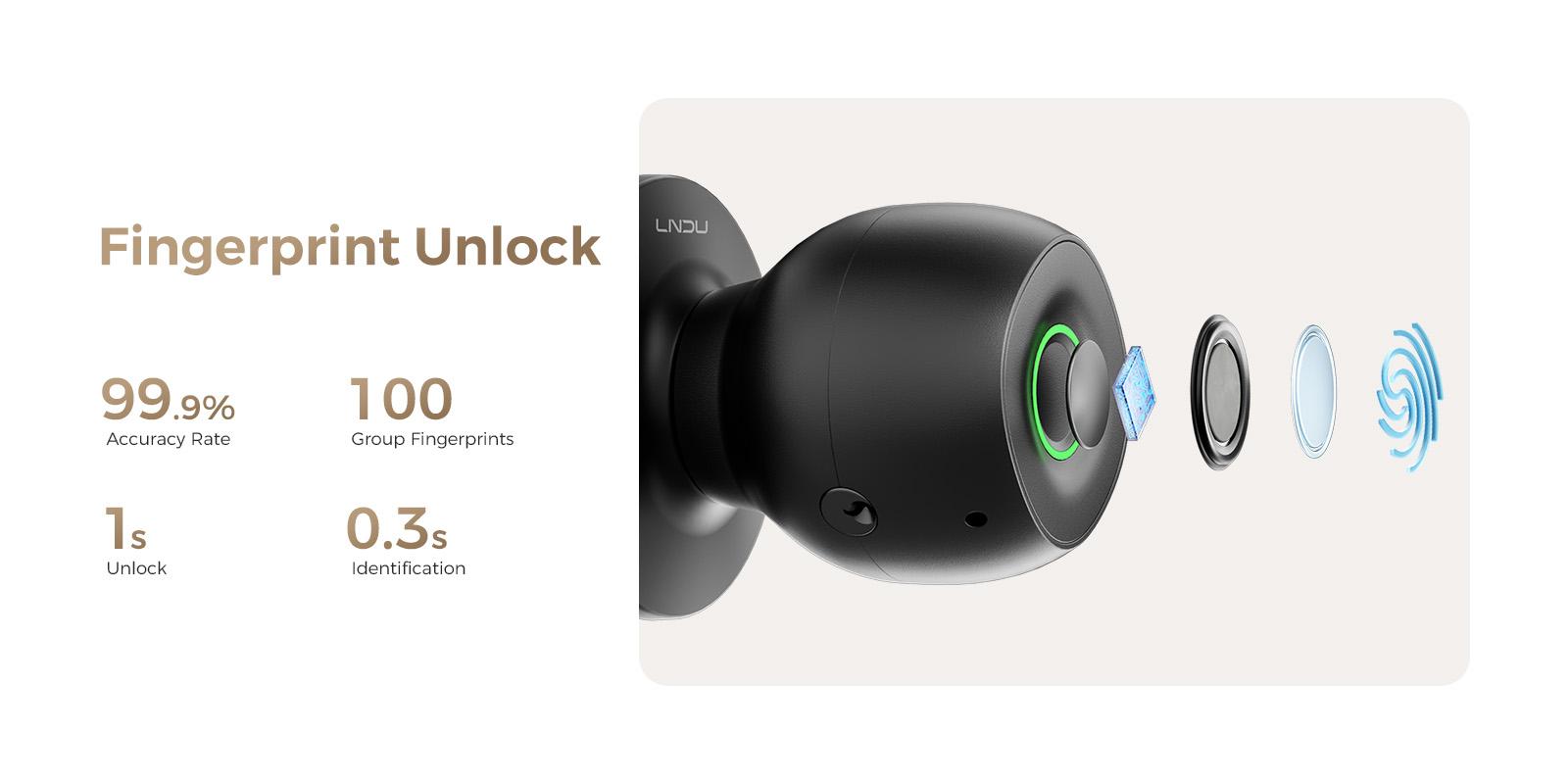
Approximately 0.3-Second Fingerprint Recognition
The supplied information states that the fingerprint sensor recognises a registered fingerprint in approximately 0.3 seconds.
The stated complete unlocking time is approximately 1 second.
Actual recognition performance may vary depending on finger positioning, moisture, dirt and fingerprint condition.
Stated 99.9% Recognition Accuracy
The manufacturer-stated fingerprint recognition accuracy is 99.9%.
This should be presented as a stated manufacturer figure rather than a guaranteed result in every operating condition.
Stores Up to 100 Fingerprints
The LNDU D500 can store up to 100 registered fingerprints.
This can support authorised access for:
- Family members
- Roommates
- Office users
- Employees
- Other approved users
Review registered users periodically and remove access when it is no longer required.
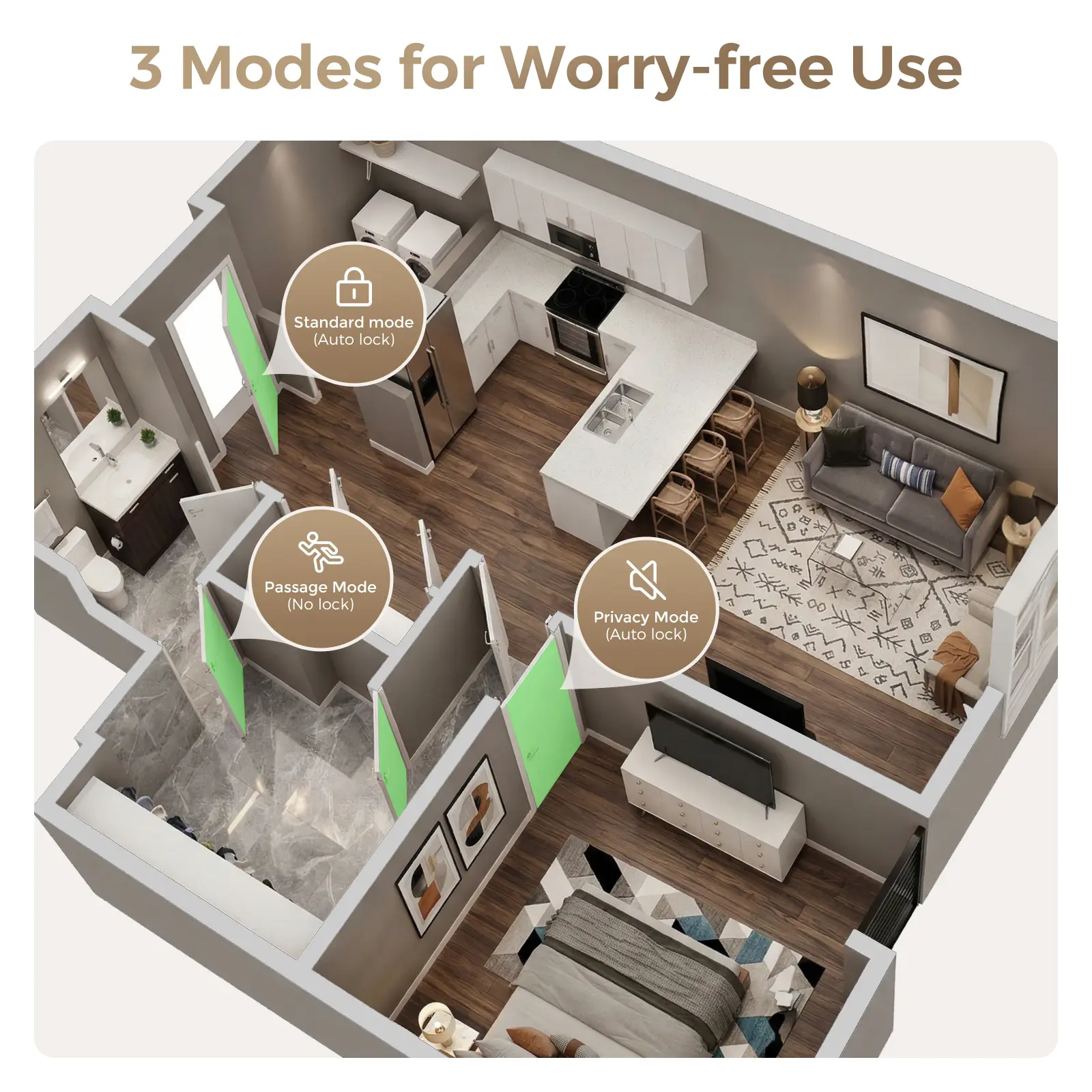
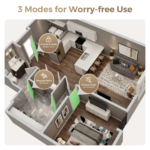
Three Operating Modes
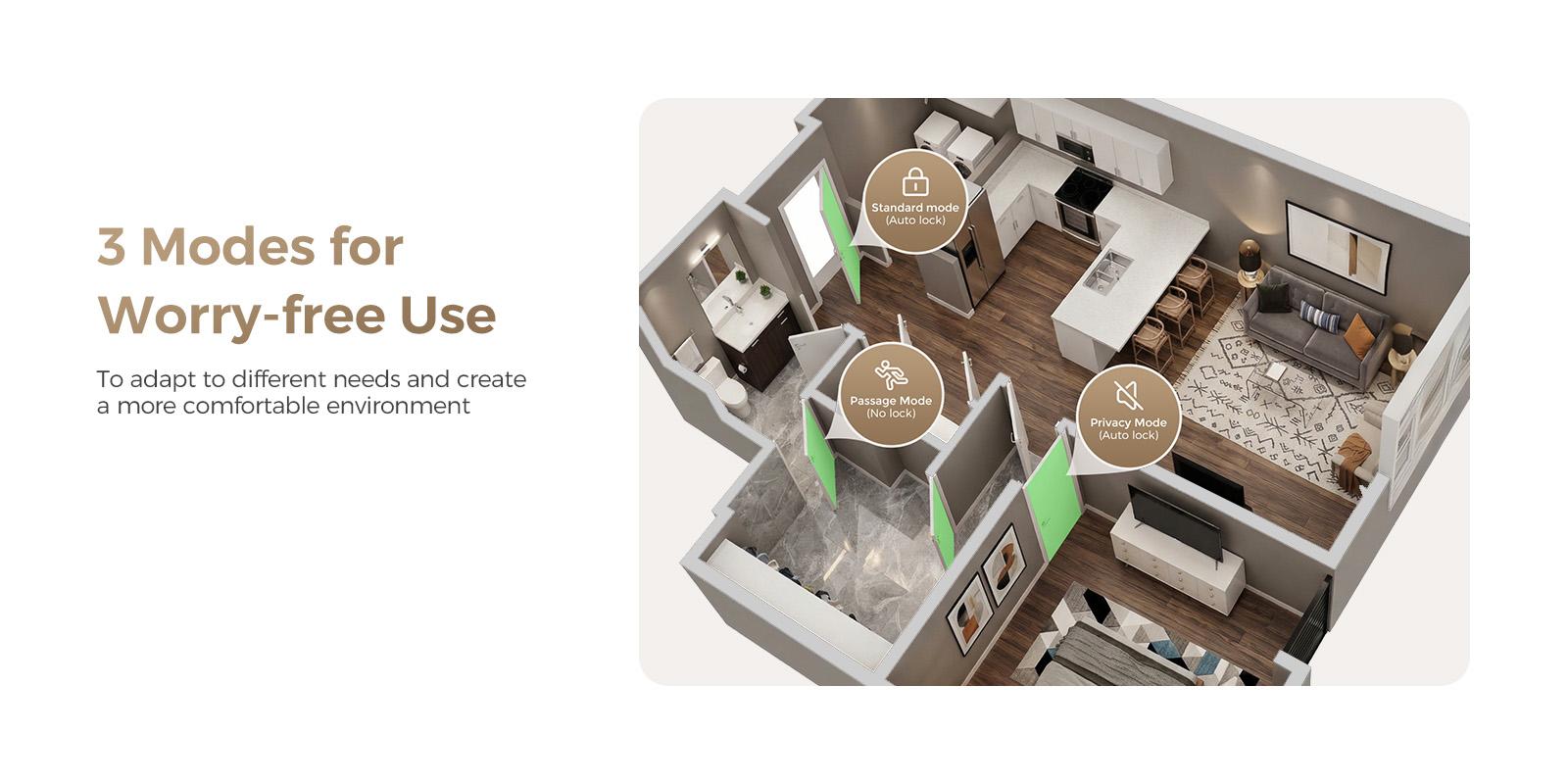
The lock includes three operating modes for different access situations.
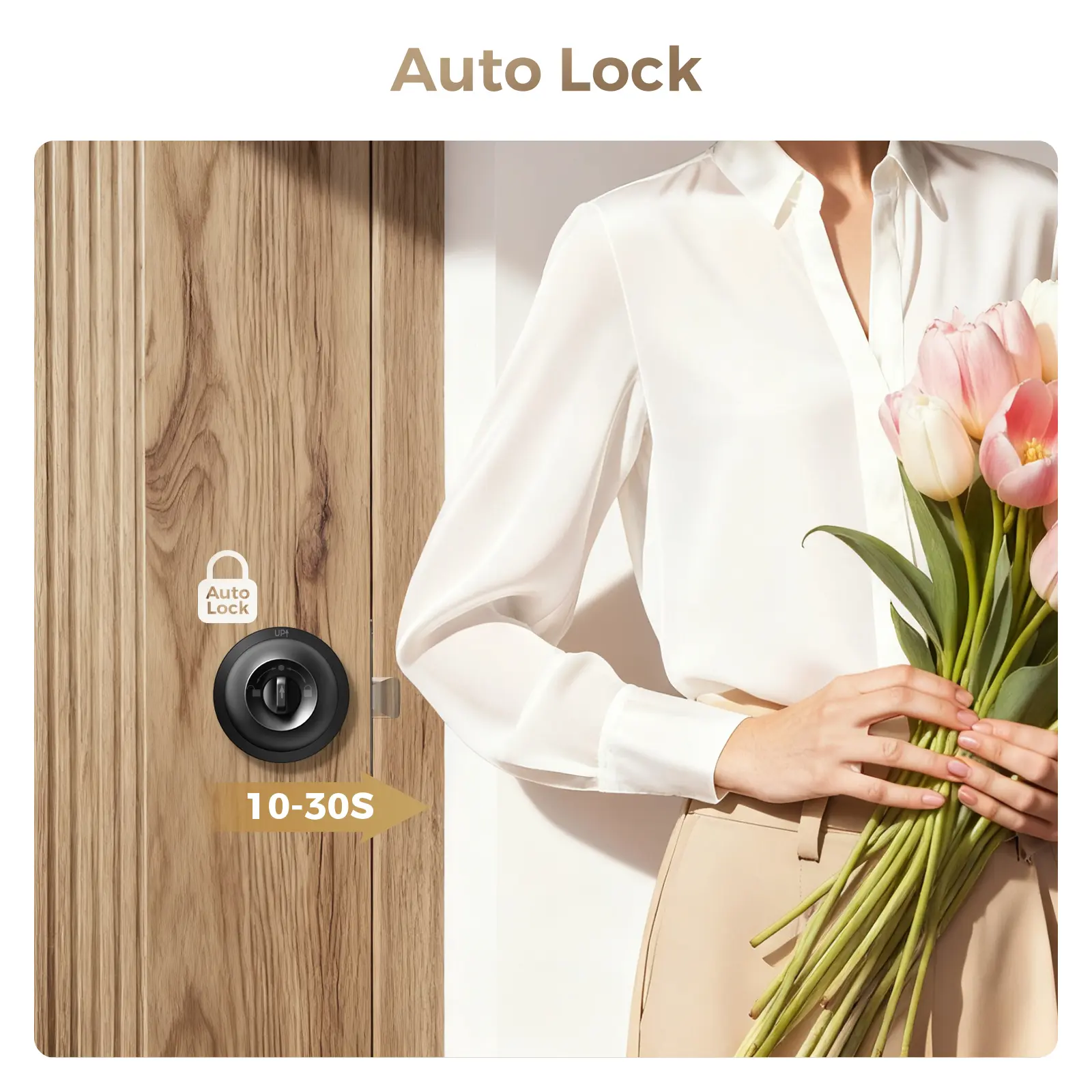
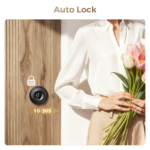
Auto-Lock Mode
In Auto-Lock Mode, the lock secures the door automatically after it closes.
The delay before locking can be customised through the supported smartphone app.
Passage Mode
Passage Mode keeps the door unlocked when frequent entry and exit are required.
This can be useful during meetings, office hours, moving activities or other periods when repeated unlocking is inconvenient.
Privacy Mode
Privacy Mode disables outside electronic access through registered fingerprints and the app.
The door can still be opened from inside or with the emergency mechanical key.
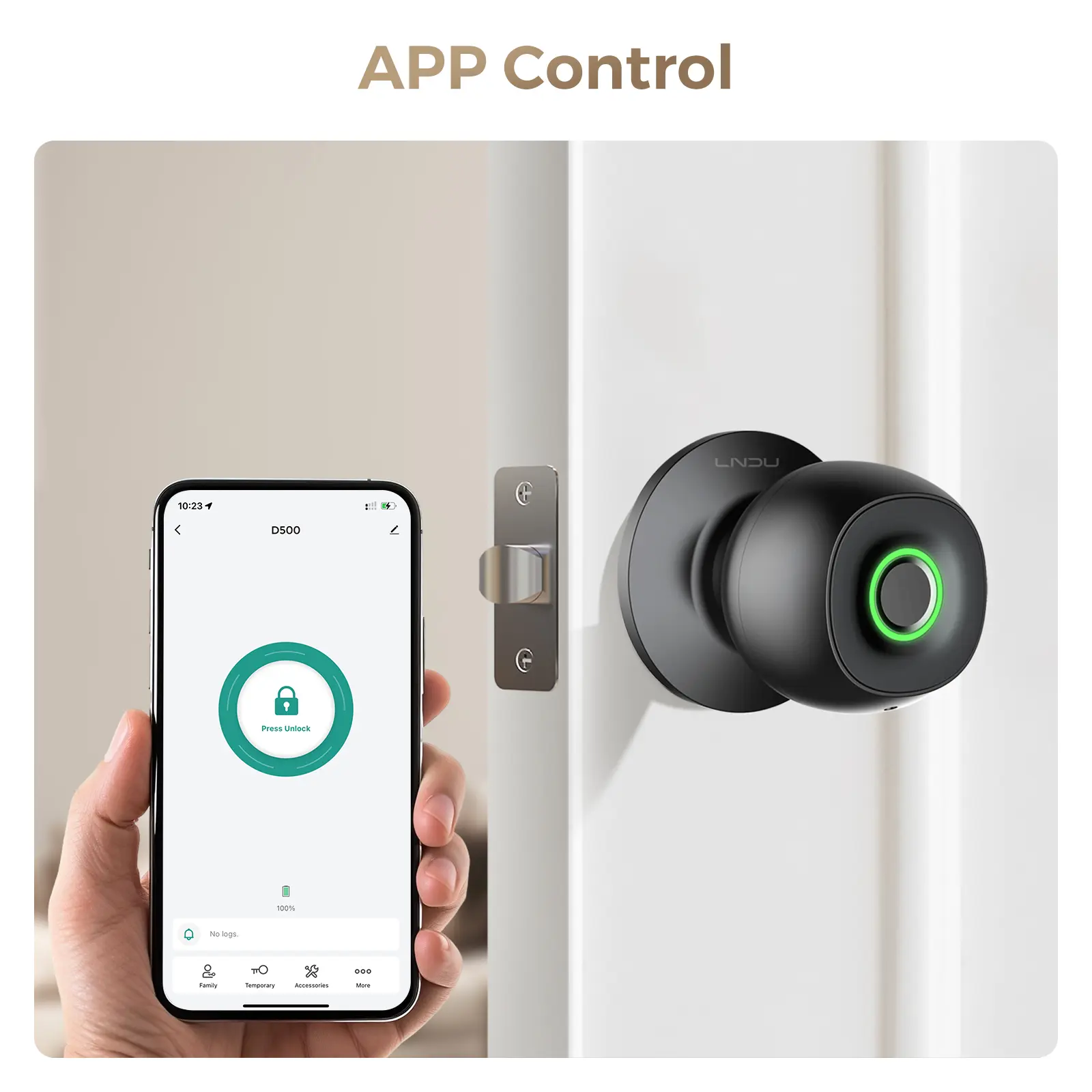
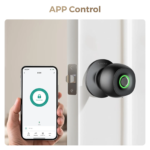
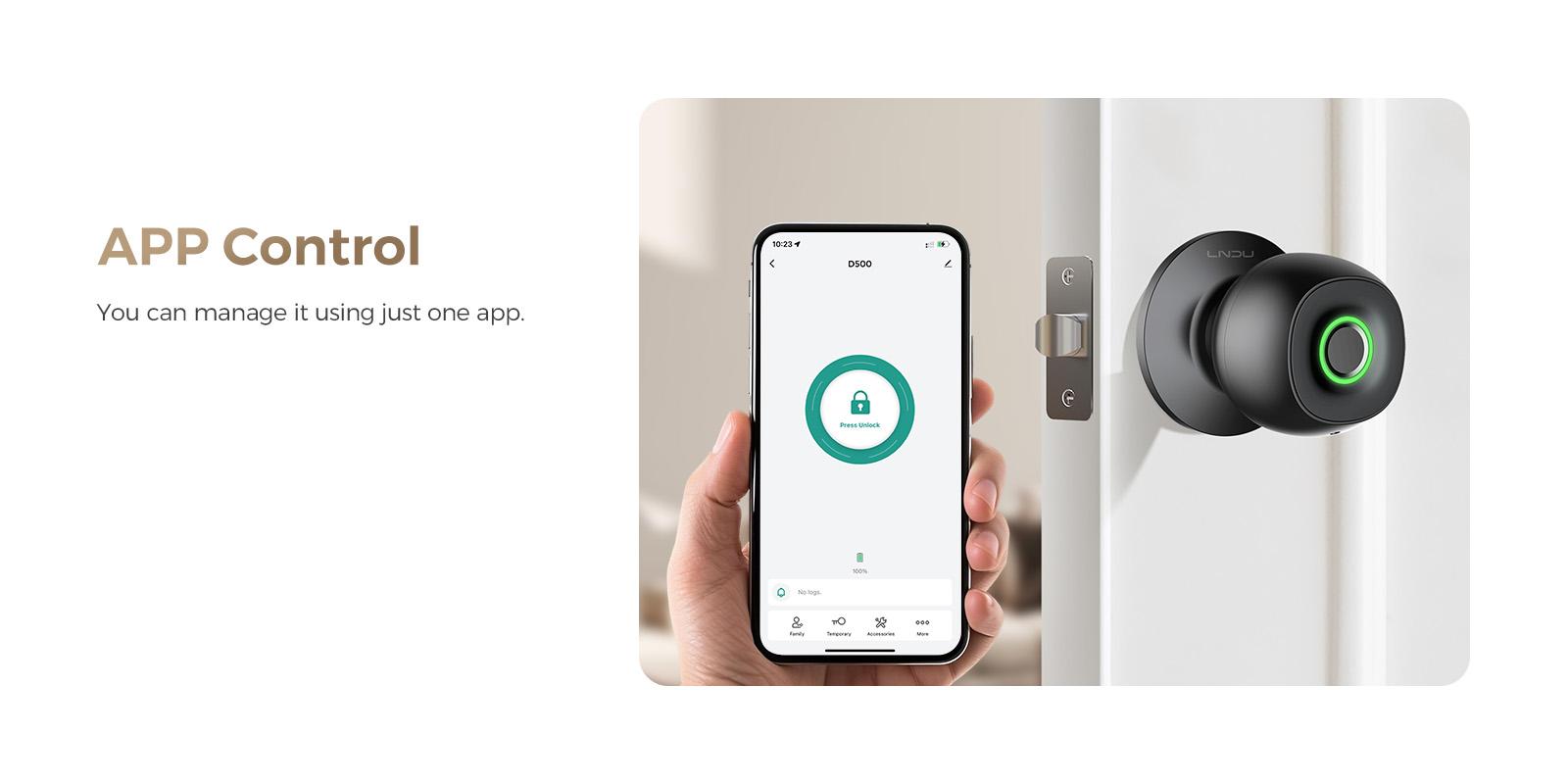
Smartphone App Control
The compatible mobile application supports selected lock-management functions, including:
- Managing registered fingerprints
- Enabling Auto-Lock
- Adjusting the Auto-Lock delay
- Controlling other supported smart-lock settings
The application name, compatible operating systems and remote-control range were not supplied.
Adjustable Auto-Lock Delay
The Auto-Lock delay can be customised through the app.
This allows users to choose how long the lock waits before securing the door after closing.
The exact available delay range was not supplied.
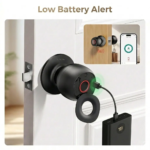
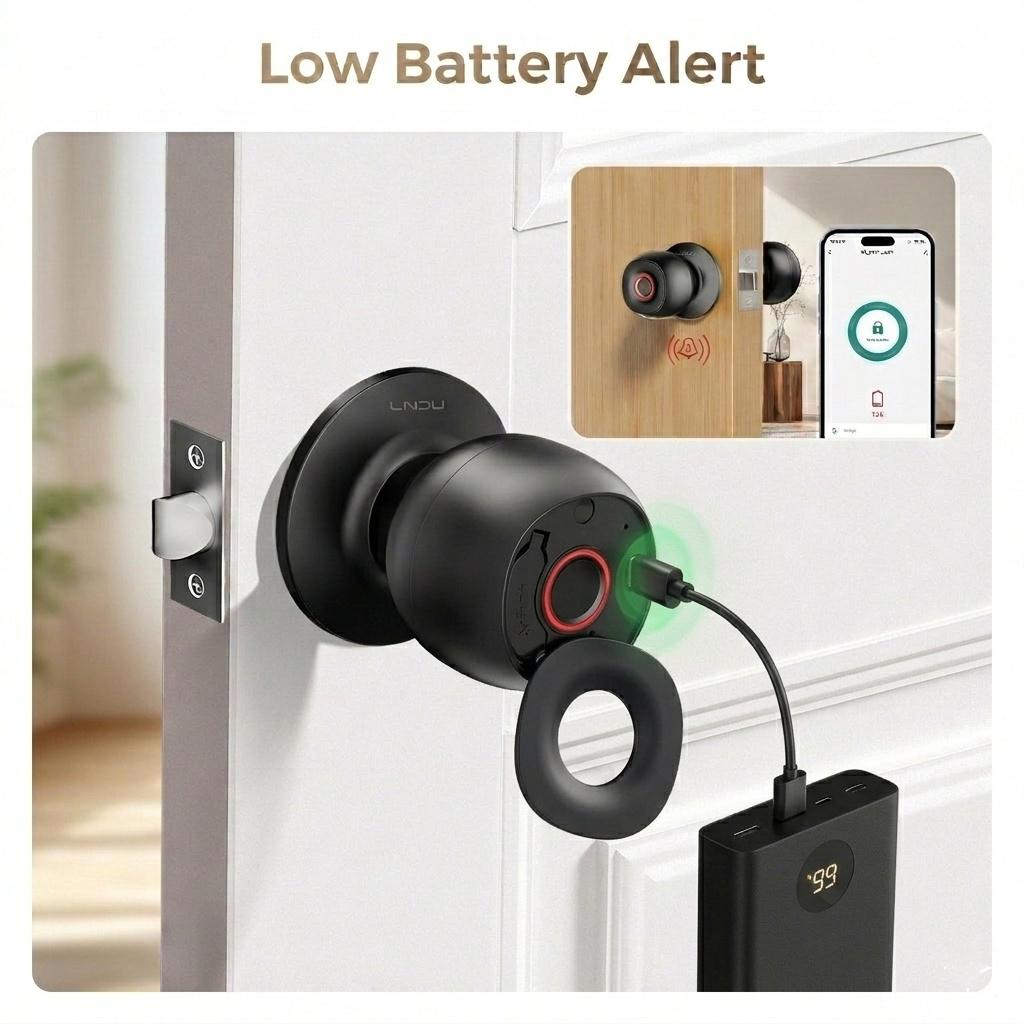
Low-Battery Warning
The lock provides a warning when its installed batteries are running low.
Replace the batteries promptly after receiving the warning to help maintain electronic access.
Type-C Emergency Power
A Type-C port allows temporary emergency power to be supplied from a compatible power bank when the installed batteries are depleted.
This connection is intended for emergency operating power only.
It should not be described as confirmation that the lock contains a rechargeable internal battery.
Mechanical Backup Access
Mechanical keys provide an alternative way to unlock the door when electronic access cannot be used.
Keep at least one backup key in a secure location outside the locked room.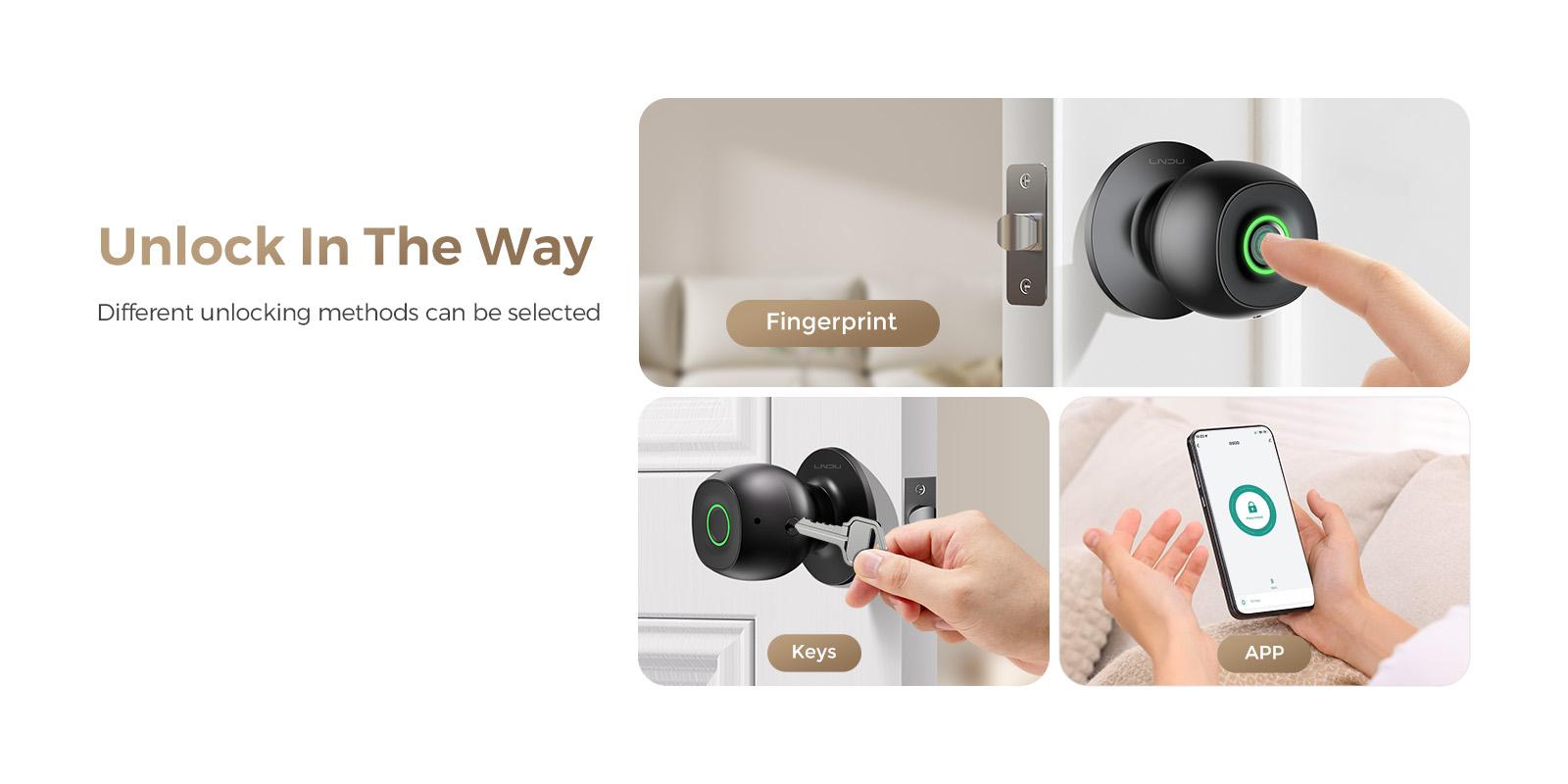
Product Benefits
- Provides fingerprint, app and mechanical-key access
- Stores up to 100 fingerprints
- Offers approximately 0.3-second stated fingerprint recognition
- Includes Auto-Lock, Passage and Privacy modes
- Allows Auto-Lock delay adjustment through the app
- Provides a low-battery warning
- Supports temporary emergency power through a Type-C port
- Includes mechanical backup access
- Reduces the need to use a key for routine authorised entry
- Suitable for compatible bedrooms, offices and interior home doors
Perfect For
The LNDU D500 can be suitable for:
- Bedrooms
- Home offices
- Private offices
- Shared homes
- Interior home doors
- Workplace rooms
- Meeting rooms
- Family spaces
- Small-team access areas
Use in hotels, rental properties or workplaces should comply with applicable property rules and installation requirements.
How to Use
Registering Fingerprints
- Install the lock on a compatible door according to the product instructions.
- Install the required batteries.
- Download and connect the supported smartphone app.
- Follow the app instructions to establish administrator access.
- Register fingerprints for authorised users.
- Test each registered fingerprint before relying on it for routine access.
Unlocking with a Fingerprint
- Place a registered finger correctly on the fingerprint sensor.
- Wait for recognition.
- Turn the knob after the lock grants access.
You can also use the supported smartphone app or mechanical key where appropriate.
Selecting an Operating Mode
Choose the operating mode according to the situation:
- Auto-Lock Mode: Automatically locks after the door closes.
- Passage Mode: Keeps the door unlocked for frequent access.
- Privacy Mode: Temporarily disables outside fingerprint and app access.
Using Type-C Emergency Power
If the installed batteries are depleted:
- Connect a compatible power bank to the Type-C emergency power port.
- Allow the lock to receive temporary operating power.
- Unlock the door using an authorised electronic method.
- Replace the depleted batteries promptly.
The Type-C port supplies temporary emergency power and is not confirmed as a battery-charging port.
Product Specifications
| Specification | Details |
|---|---|
| Brand | LNDU |
| Model | D500 |
| Product Type | Smart fingerprint door knob |
| Unlocking Methods | Fingerprint, smartphone app and mechanical key |
| Fingerprint Recognition Time | Approximately 0.3 seconds |
| Unlocking Time | Approximately 1 second |
| Stated Recognition Accuracy | 99.9% |
| Fingerprint Capacity | Up to 100 fingerprints |
| Operating Modes | Auto-Lock, Passage and Privacy |
| Auto-Lock Setting | Customisable delay through the app |
| Battery Notification | Low-battery warning |
| Emergency Power | Type-C port for temporary power-bank connection |
| Recommended Locations | Bedroom, office and home |
Package Includes
Based on the supplied information:
- 1 × LNDU D500 Smart Fingerprint Door Knob
- Mechanical Backup Keys
The exact number of keys and any additional installation components have not been confirmed.
Installation and Compatibility Information
Before ordering or installation:
- Confirm that the lock fits the intended door
- Check door thickness
- Check borehole dimensions
- Check backset measurements
- Check door-opening direction
- Follow the manufacturer’s installation instructions
- Keep at least one mechanical key outside the locked room
The product is described for bedrooms, offices and homes.
Compatibility with exterior entrance doors has not been confirmed, and no weather-resistance rating was supplied.
It should therefore not be marketed as an outdoor weatherproof lock unless those properties are independently verified.
Compatibility with recreational-vehicle doors has also not been supplied, so it should not be presented as an RV entrance door lock.
Care and Maintenance
- Keep the fingerprint sensor clean and dry
- Wipe the knob with a soft, dry cloth
- Avoid abrasive cleaners
- Avoid harsh chemicals
- Replace batteries after receiving a low-battery warning
- Check door and lock alignment periodically
- Do not force the knob while the lock is engaged
- Keep the Type-C emergency port free from moisture and debris
- Test mechanical-key access occasionally
- Review registered fingerprints regularly
- Remove access for users who no longer require entry
Important Security Information
- No door lock can guarantee protection against every form of forced entry
- Privacy Mode disables outside electronic access but does not disable the mechanical emergency key
- Store backup keys securely
- Do not leave all backup keys inside the locked room
- Review fingerprint permissions regularly
- Follow the app’s administrator and security guidance
- Replace low batteries promptly
- Use the Type-C connection only for temporary emergency power
- Confirm compatibility before using the lock on exterior doors, rental properties or regulated workplaces
Choosing an Entrance Door Lock
When comparing an entrance door lock, consider the intended door, installation dimensions, access methods and backup options.
The LNDU D500 is designed as a smart fingerprint door knob that combines biometric access, app-supported management and mechanical backup entry.
Customers comparing different entrance door locks should verify the exact application before purchase. This model should not be represented as a Schlage lock, RV-specific lock or exterior weatherproof lock unless those characteristics are specifically confirmed.
Delivery Information
| Destination | Estimated Delivery Time |
|---|---|
| USA | 5–7 business days |
| UK | 4–6 business days |
| Australia | 3–5 business days |
| Europe | 4–6 business days |
| Worldwide | 5–7 business days |
Delivery estimates may vary because of customs clearance, public holidays, courier delays or remote delivery locations.
Related Products

Reviews
Clear filtersThere are no reviews yet.