

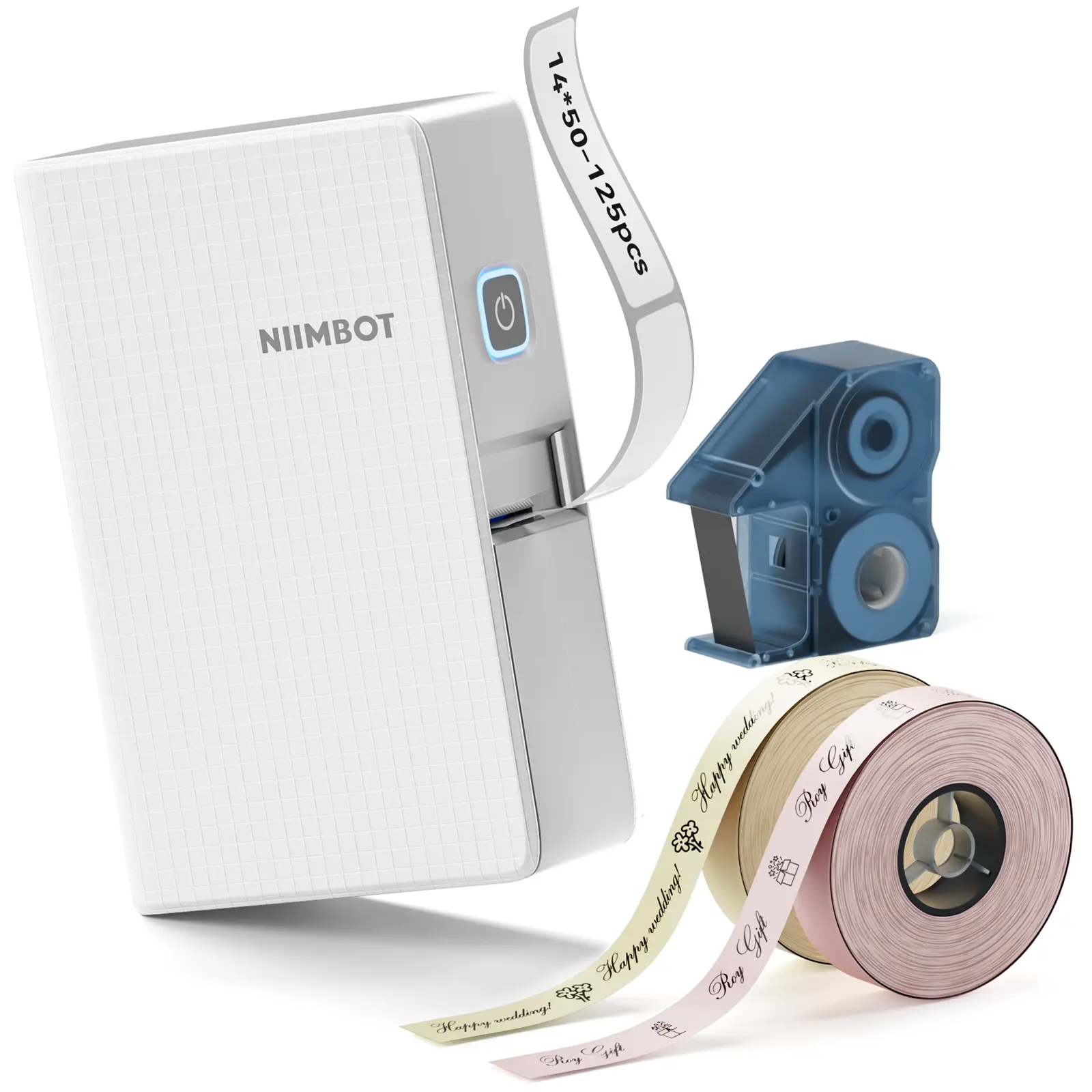
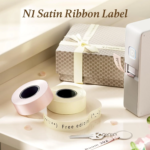
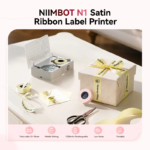

Label Maker Machine – NIIMBOT N1 Bluetooth Ribbon and Tape Printer
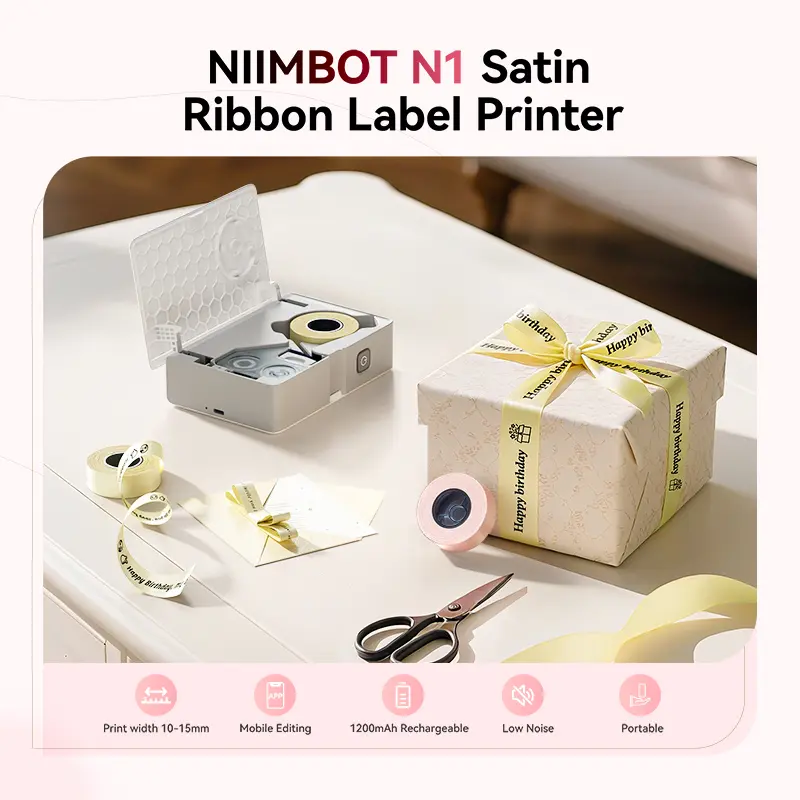
Create personalised labels, tags and decorative ribbons with the NIIMBOT N1 label maker machine, available from Idiello.com. This portable Bluetooth printer connects to the NIIMBOT mobile app, allowing you to create and print designs from a compatible mobile device without relying on a built-in keyboard.
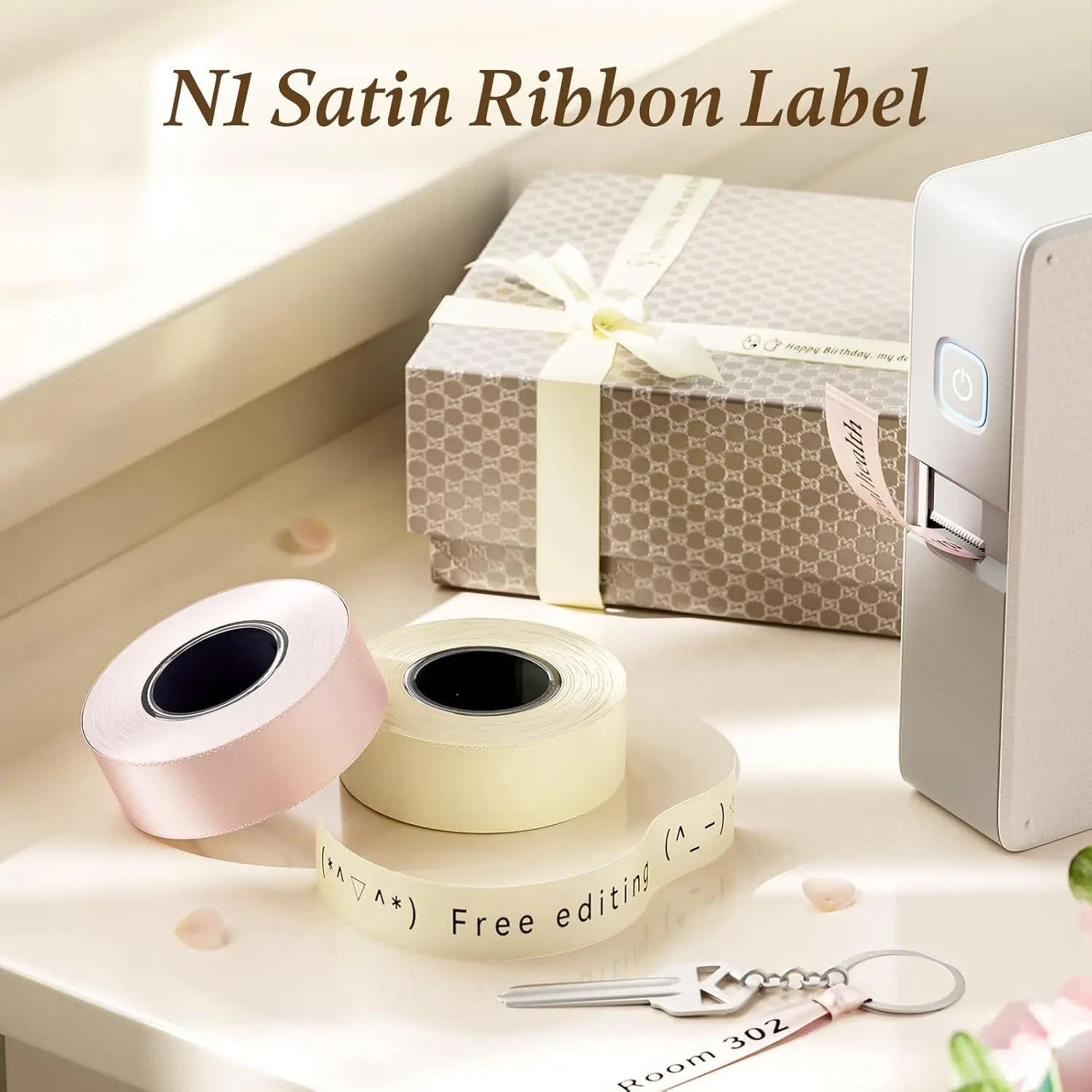
The NIIMBOT N1 supports more than 20 types of compatible label paper and five available ribbon colours. Use it to organise household items, identify cables, create price tags, label storage or add personalised details to gifts and event decorations.
Important: Satin-ribbon printing requires a compatible NIIMBOT N1 ribbon set, which is sold separately.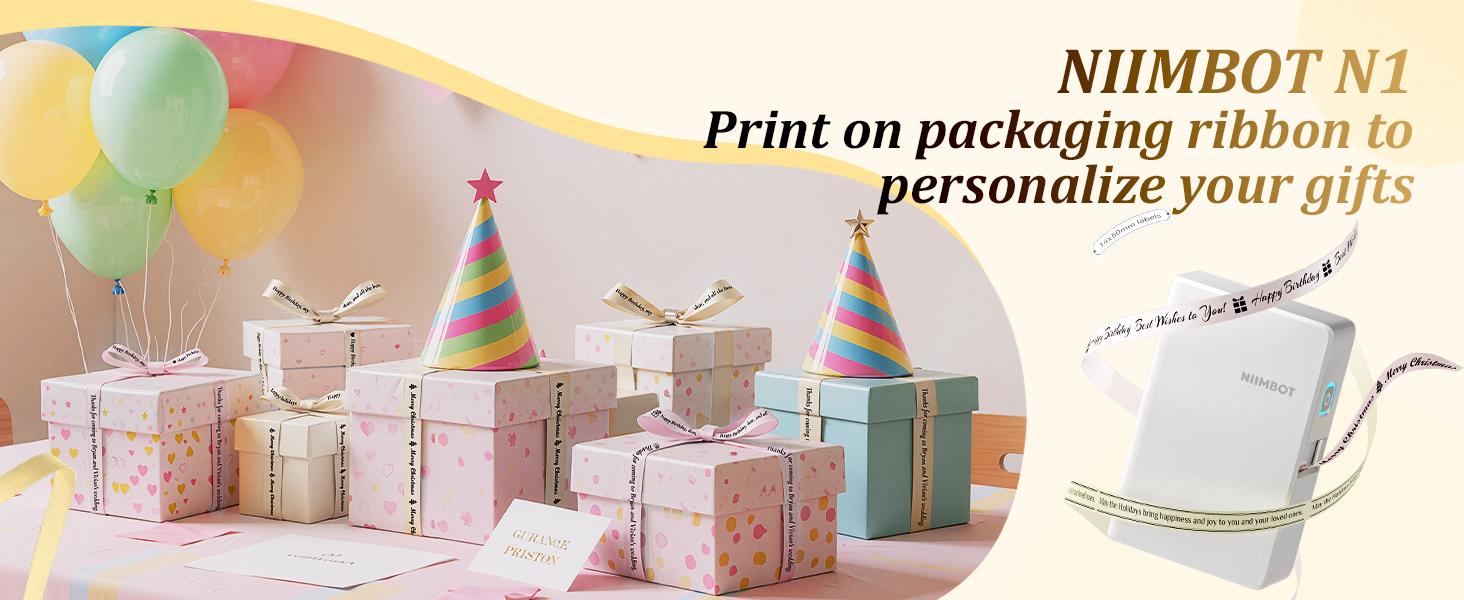
Key Features of the Label Maker Machine
Bluetooth App Control
Connect the NIIMBOT N1 to a compatible mobile device through Bluetooth and create your designs using the NIIMBOT mobile app.
The app provides an interface for creating, editing, previewing and printing compatible labels without requiring a built-in keyboard on the printer.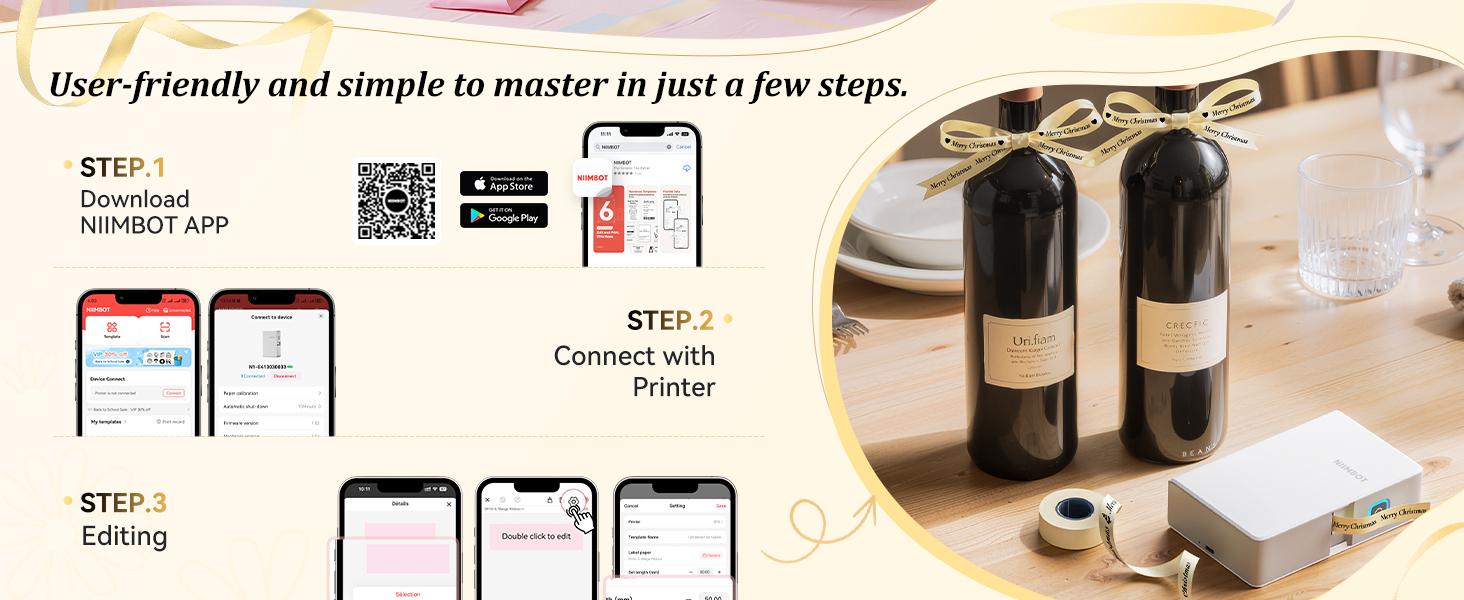
Thermal-Transfer Printing
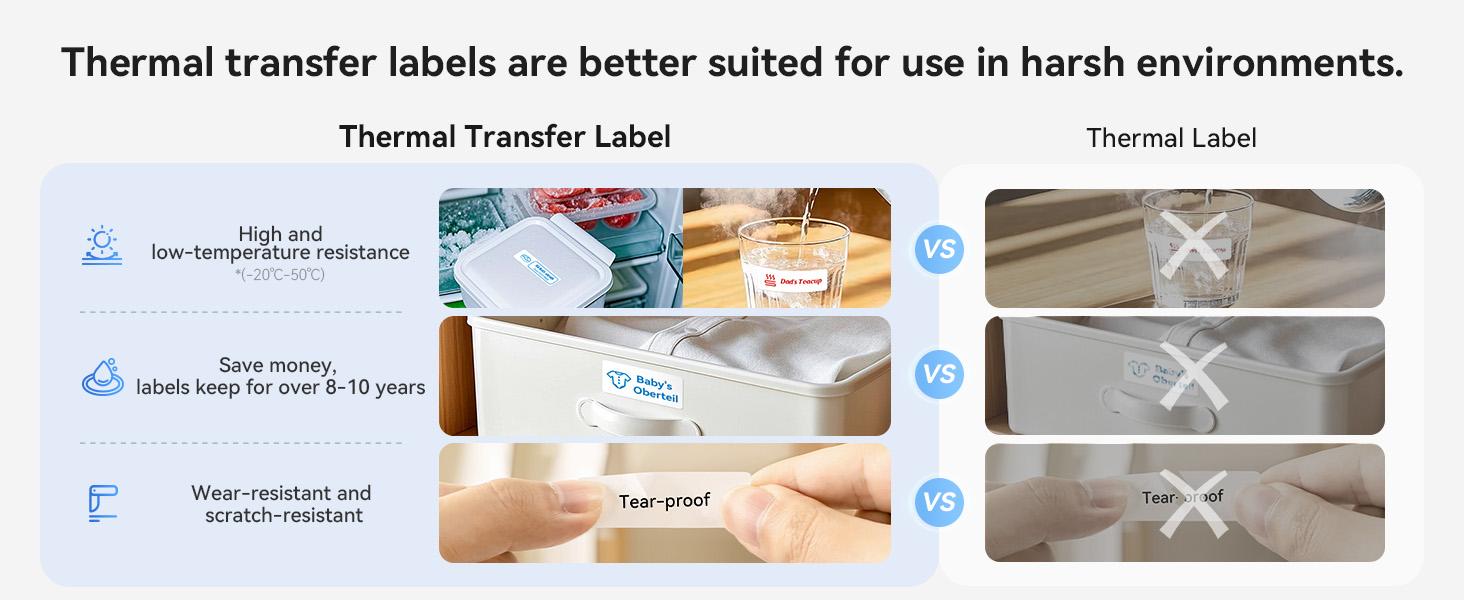
The NIIMBOT N1 uses thermal-transfer printing technology with compatible printing media.
This allows the machine to produce text, symbols and other supported designs for practical labelling and decorative projects.
Use only printing materials specified as compatible with the NIIMBOT N1.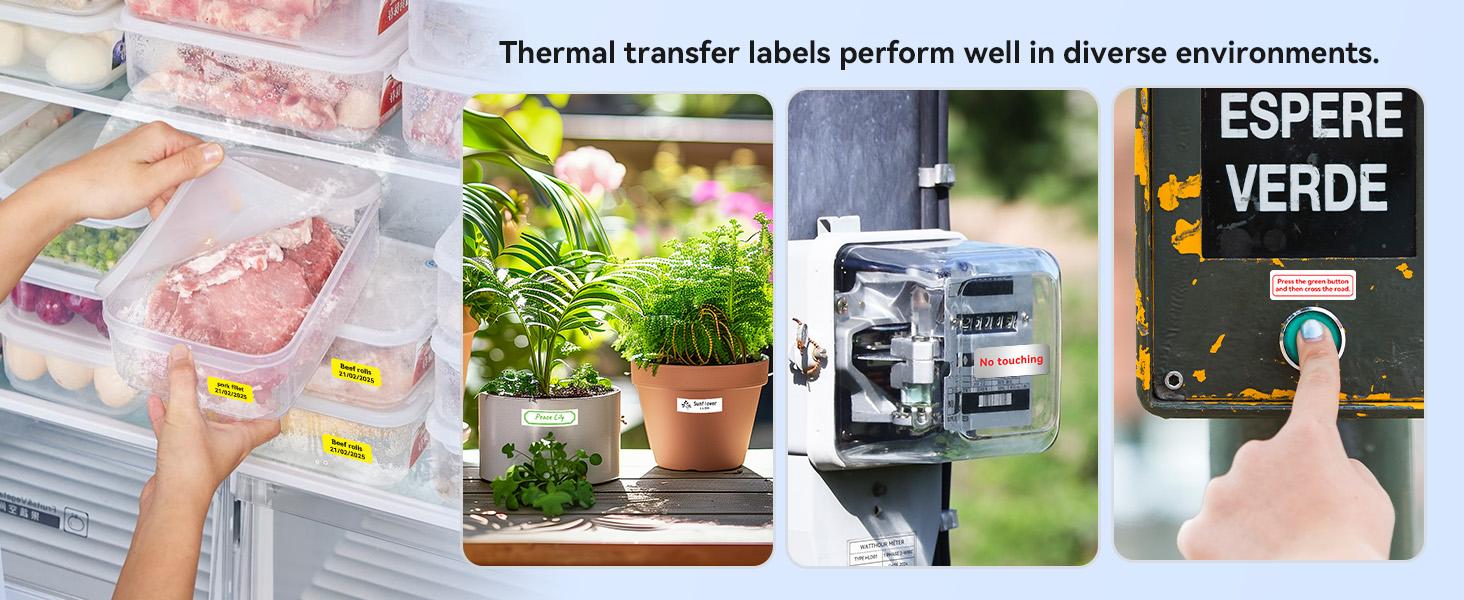
Supports Labels, Tape and Compatible Ribbon
The machine supports a variety of compatible printing media, including:
- Five available ribbon colours
- More than 20 label-paper types
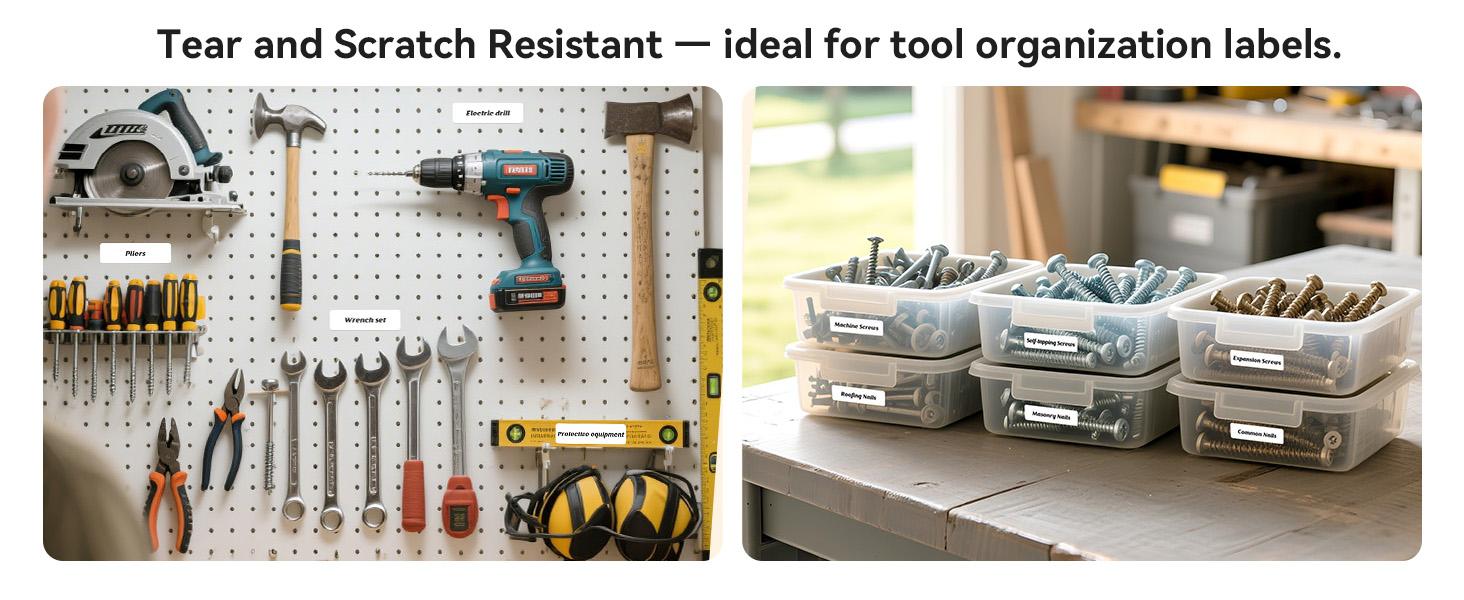
- Organisational labels
- Price tags
- Date labels
- Cable-identification labels
- Jar and storage labels
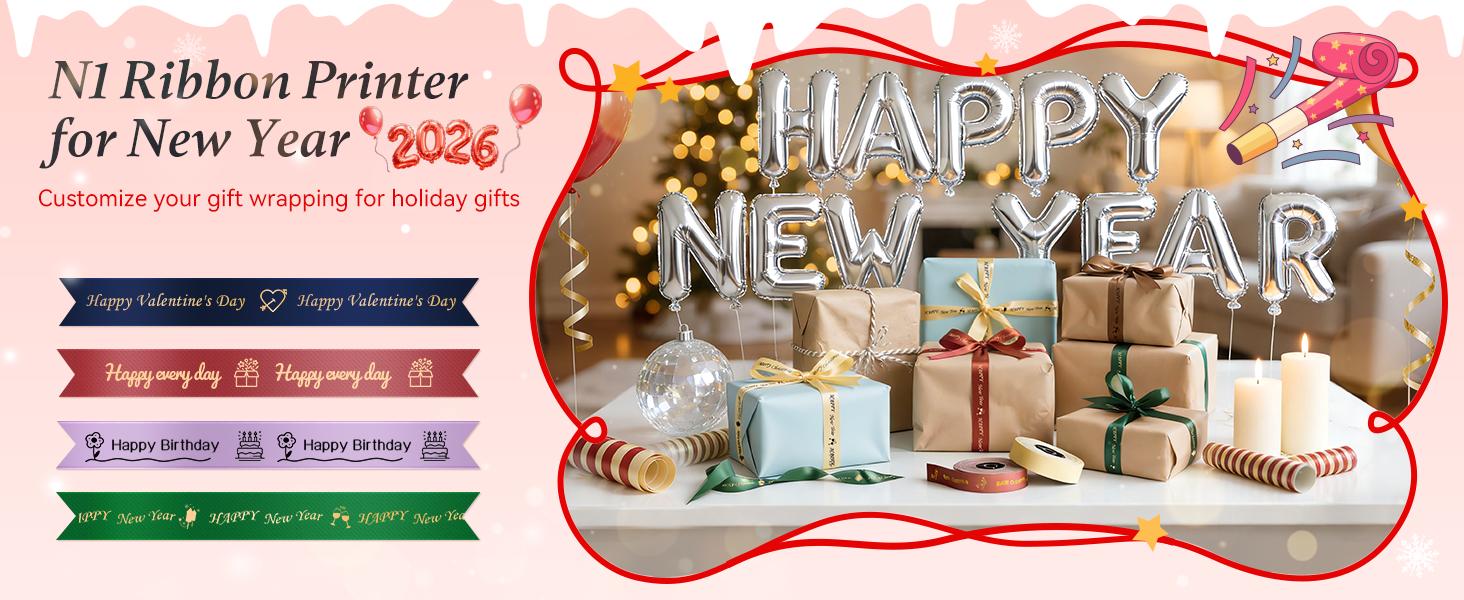
- Decorative gift ribbon
The visible colour of the label or ribbon depends on the selected printing material. The NIIMBOT N1 should not be described as a full-colour inkjet printer.
Multiple Design and Editing Tools
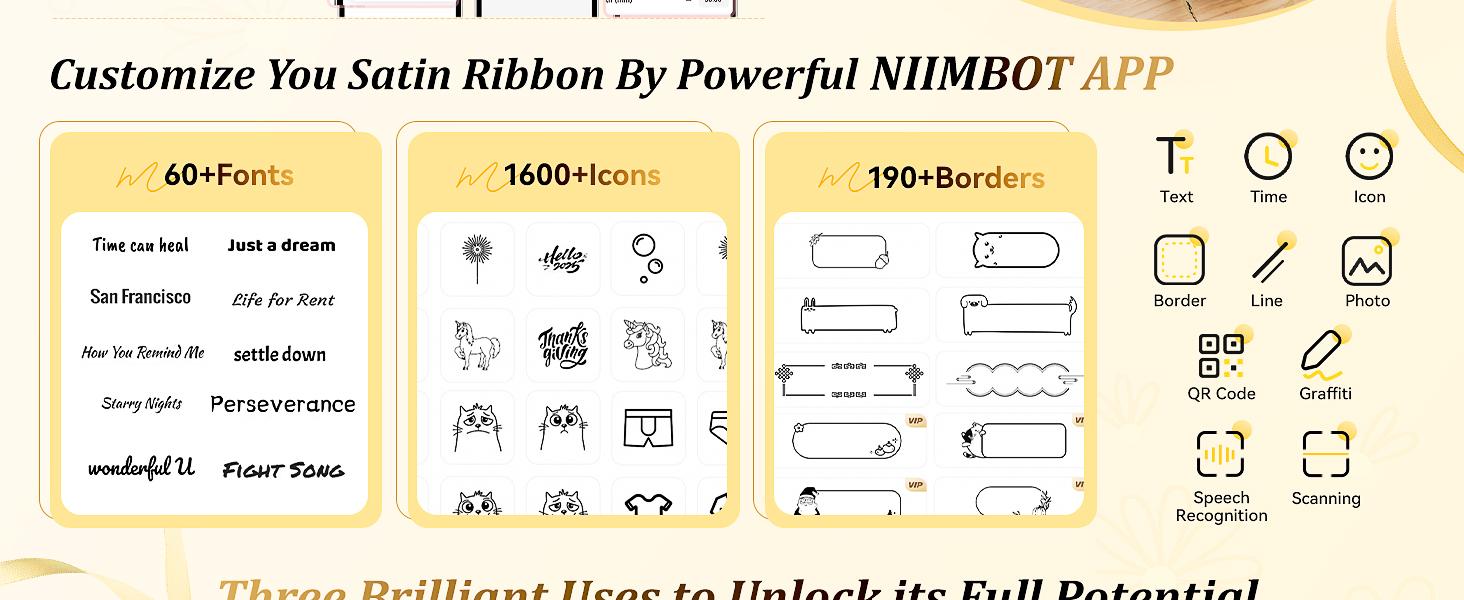
The NIIMBOT app provides templates and editing tools for different home, office, retail and craft applications.
Depending on the current app version and device compatibility, supported functions may include:
- Custom text
- Tables
- Symbols
- Logos
- Barcodes
- QR codes
- Images
- Dates and times
- Supported spreadsheet data
- Scanning
- Voice recognition
- Decorative templates
App functionality can change through software updates, so individual features may vary over time.
Portable Wireless Design
The compact wireless design makes the NIIMBOT N1 convenient to move between home, office, classroom, craft and event environments.
Bluetooth connectivity also reduces the need for a permanently connected computer during normal label creation.
Convenient Label Editing
Create, preview and print compatible labels directly through the NIIMBOT app.
Saved designs and templates can also make repeated labelling tasks more convenient when the relevant app functionality is available.
Home and Office Organisation
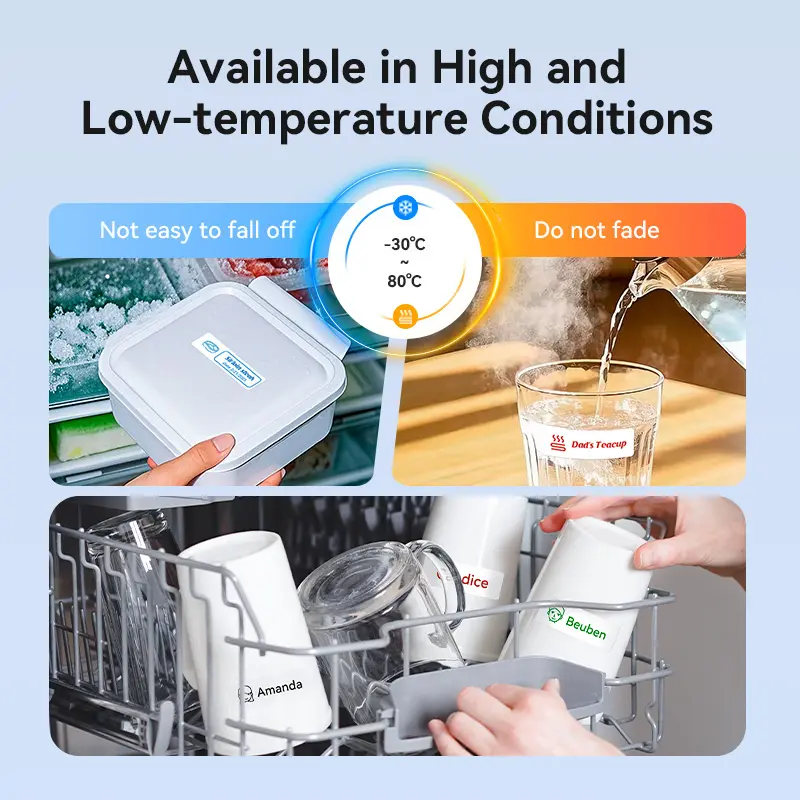
Create labels for everyday items such as:
- Storage containers
- Refrigerator items
- Food dates
- Cosmetics
- School supplies
- Filing systems
- Cables and chargers
- Jars and bottles
- Potted plants
- Personal belongings
Small-Business Labelling
The portable printer can also support selected small-business labelling tasks, including:
- Price labels
- Product-identification tags
- Jewellery tags
- Storage labels
- Barcode labels
- QR-code labels
- Packaging organisation
- Basic stock classification
- Gift presentation
Always test printed barcodes and QR codes before applying them to products, stock or commercial packaging.
Creative Gift and Event Projects
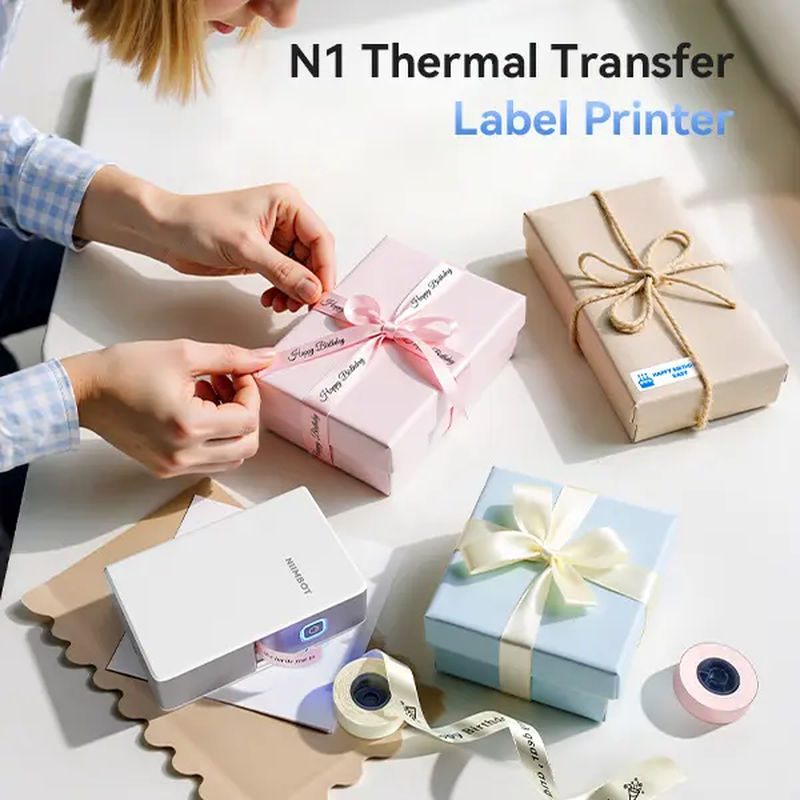
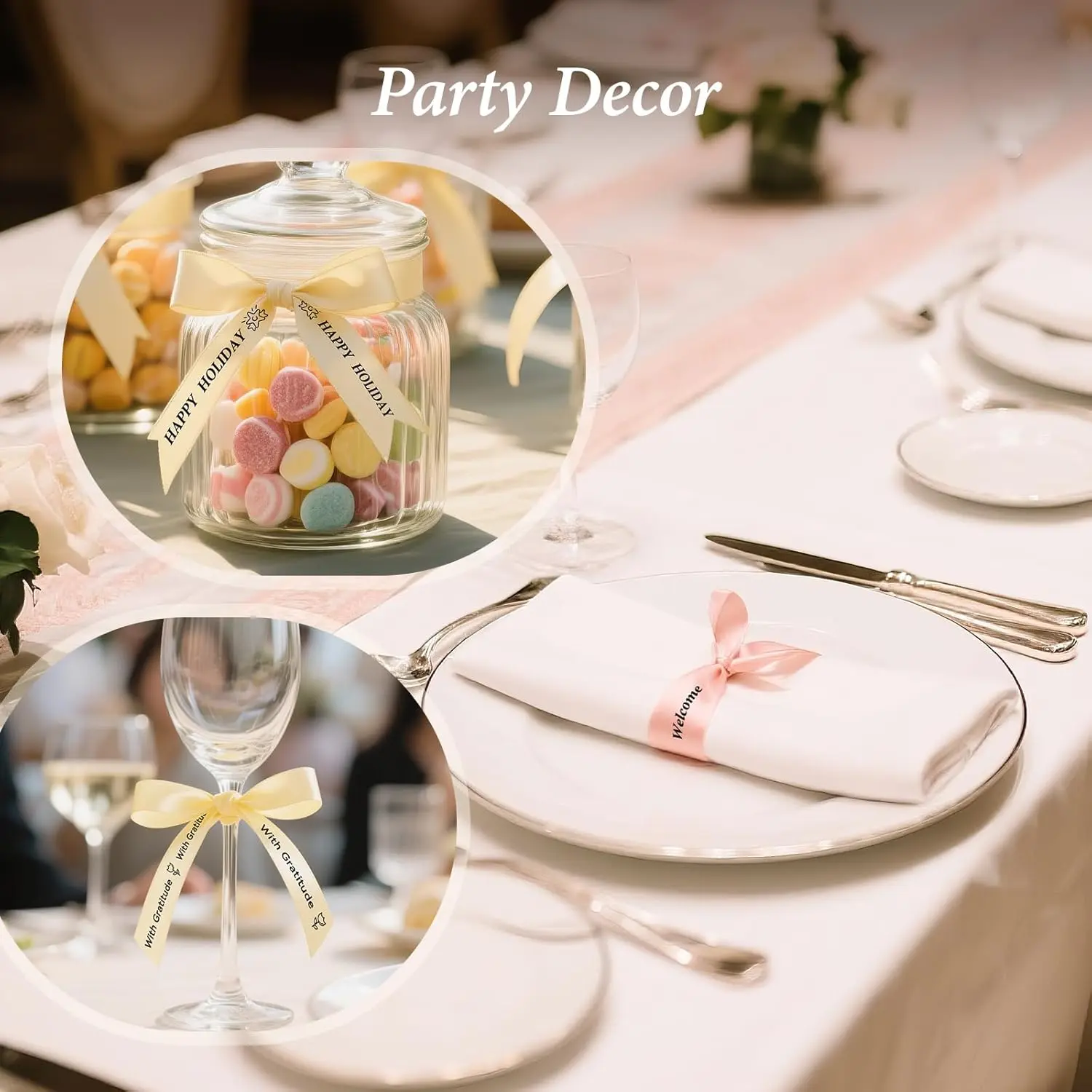
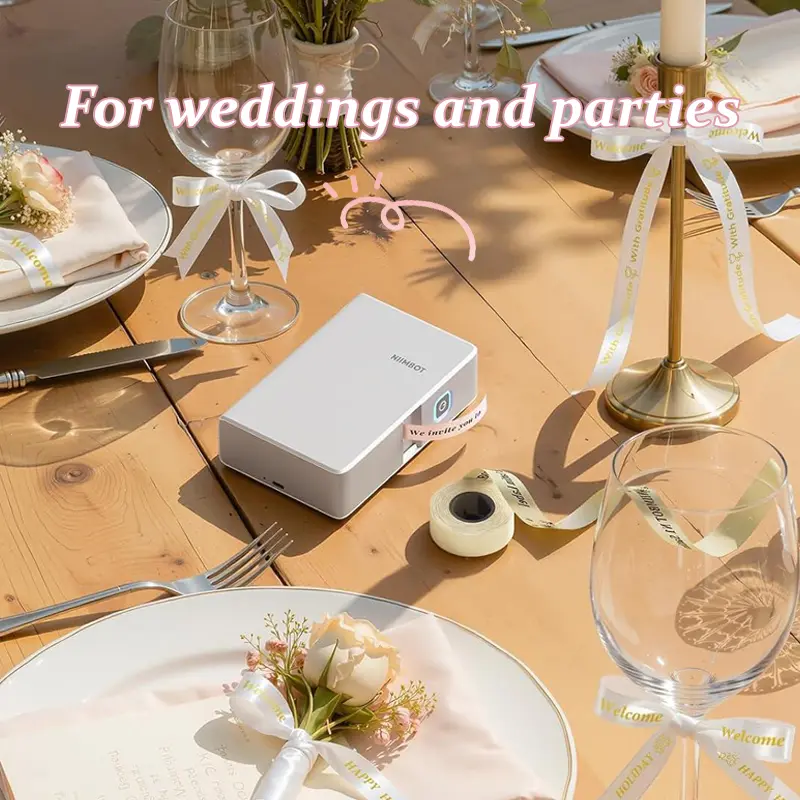
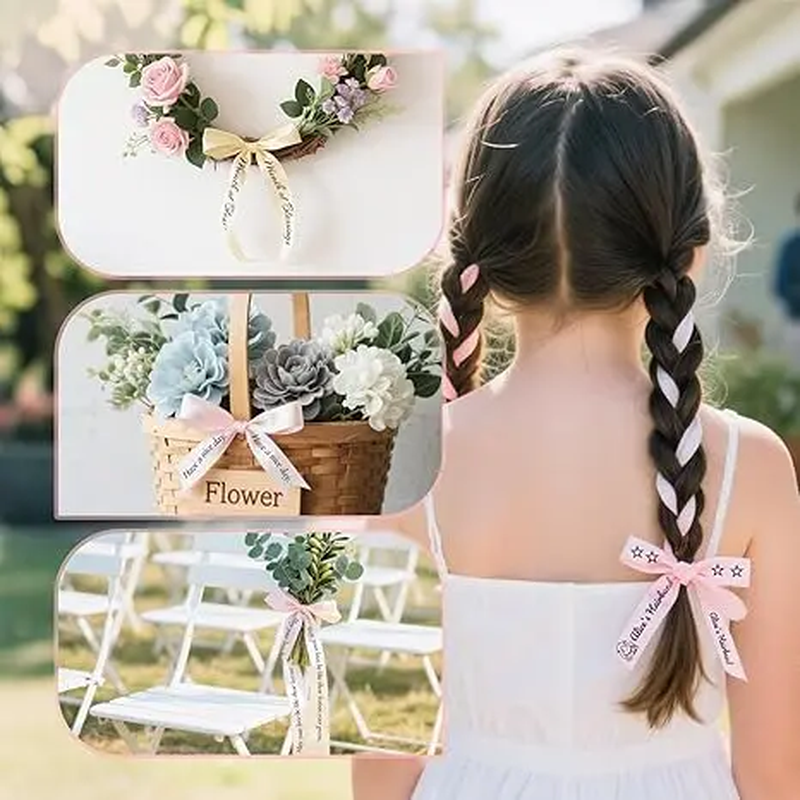
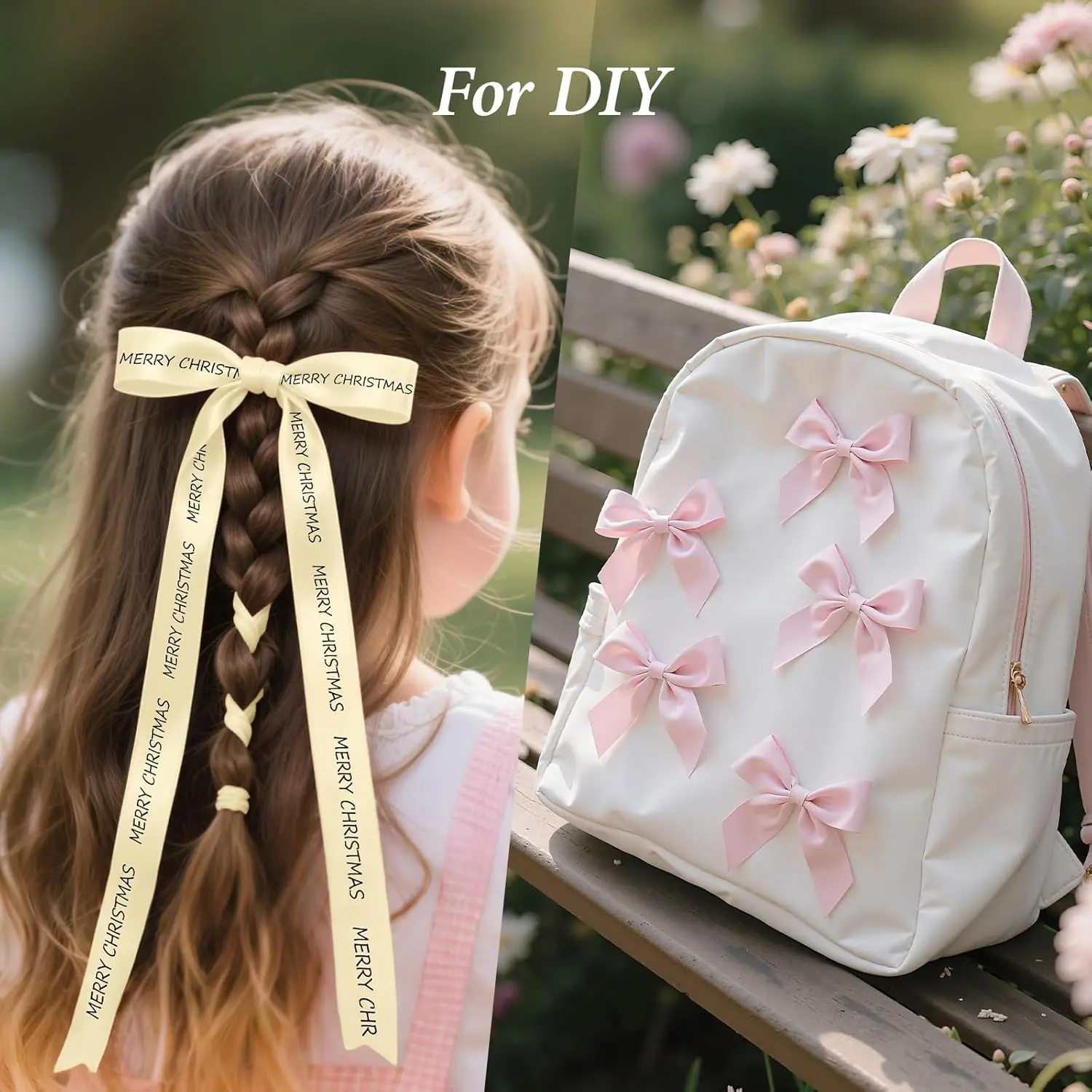
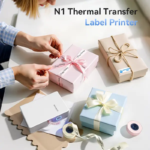
Compatible ribbon and label media can be used to personalise:
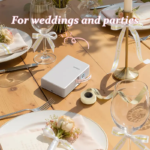
- Wedding favours
- Gift wrapping
- Birthday presents
- Halloween decorations
- Thanksgiving gifts
- Christmas packaging
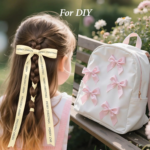
- Craft projects
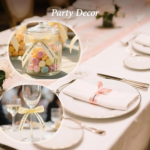
- Party decorations
Satin-ribbon projects require the appropriate compatible ribbon accessories.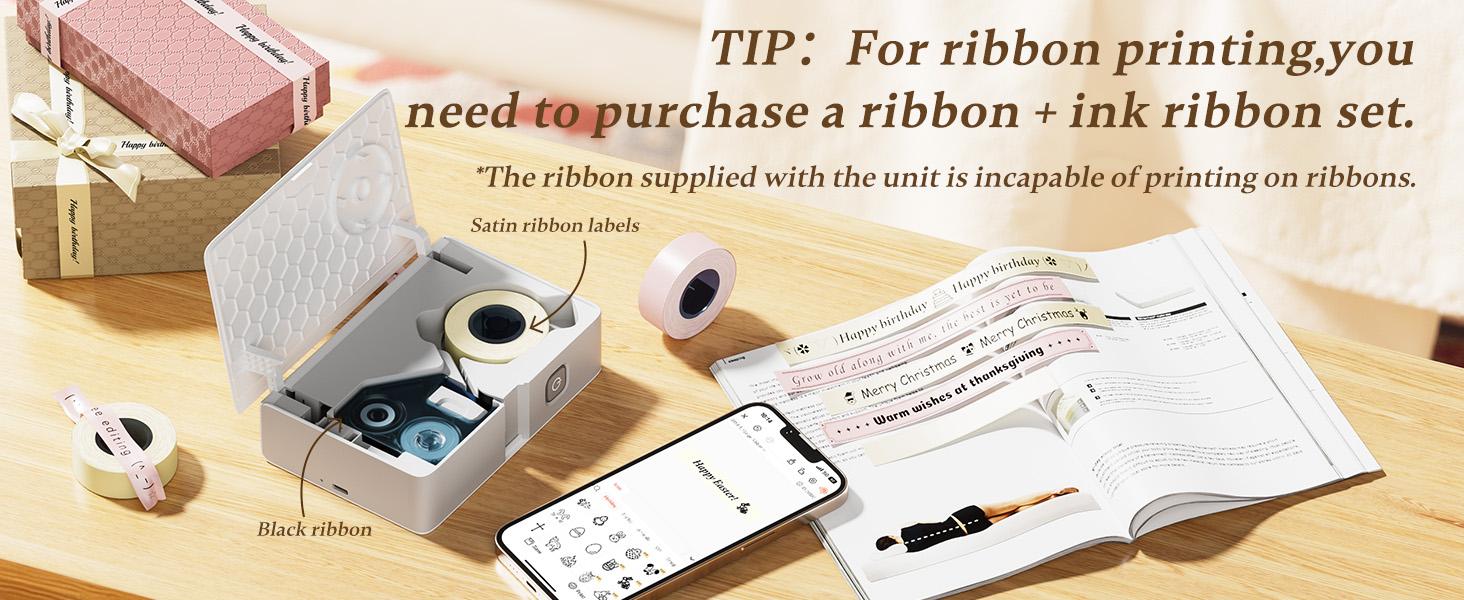
Benefits of the NIIMBOT Label Maker
- Creates practical and decorative labels from a compatible mobile device
- Connects wirelessly through Bluetooth
- Does not require a built-in keyboard for label editing
- Supports more than 20 compatible label-paper types
- Works with five available ribbon colours when compatible media is installed
- Provides templates for home, office and craft projects
- Supports text, symbols, barcodes and QR codes
- Helps organise storage, cables, files and personal belongings
- Supports price tags and product-identification labels
- Features a compact portable design
- Supports reusable designs for repeated printing when available in the app
- Provides multiple labelling and decorative applications
Product Specifications
| Specification | Details |
|---|---|
| Brand | NIIMBOT |
| Model | N1 |
| Product Type | Portable ribbon and tape label printer |
| Printing Technology | Thermal transfer |
| Connectivity | Bluetooth |
| Editing Platform | NIIMBOT mobile app |
| Compatible Media | Labels, tape and supported ribbon |
| Ribbon Options | Five colours available |
| Label-Paper Options | More than 20 types available |
| Design Tools | Text, tables, symbols, logos and images |
| Code Printing | Barcodes and QR codes |
| Data Tools | Date, time, scanning and supported spreadsheet import |
| Portability | Compact wireless design |
| Recommended Uses | Home organisation, office, crafts, gifting and selected business labelling |
| Satin-Ribbon Set | Sold separately |
How to Use the Label Maker Machine
- Confirm that the selected tape, label roll or ribbon is compatible with the NIIMBOT N1.
- Install the appropriate printing material according to the product instructions.
- Switch on the label maker.
- Download and open the NIIMBOT app on a compatible mobile device.
- Enable Bluetooth and pair the printer through the app.
- Select the appropriate media size and type.
- Choose a template or create a custom design.
- Add the required text, image, symbol, barcode or QR code.
- Preview the design and check its alignment.
- Print a test label before producing multiple copies.
- Separate the completed label according to the product instructions.
- Switch off and store the printer appropriately after use.
App screens, menus and available functions may change following software updates.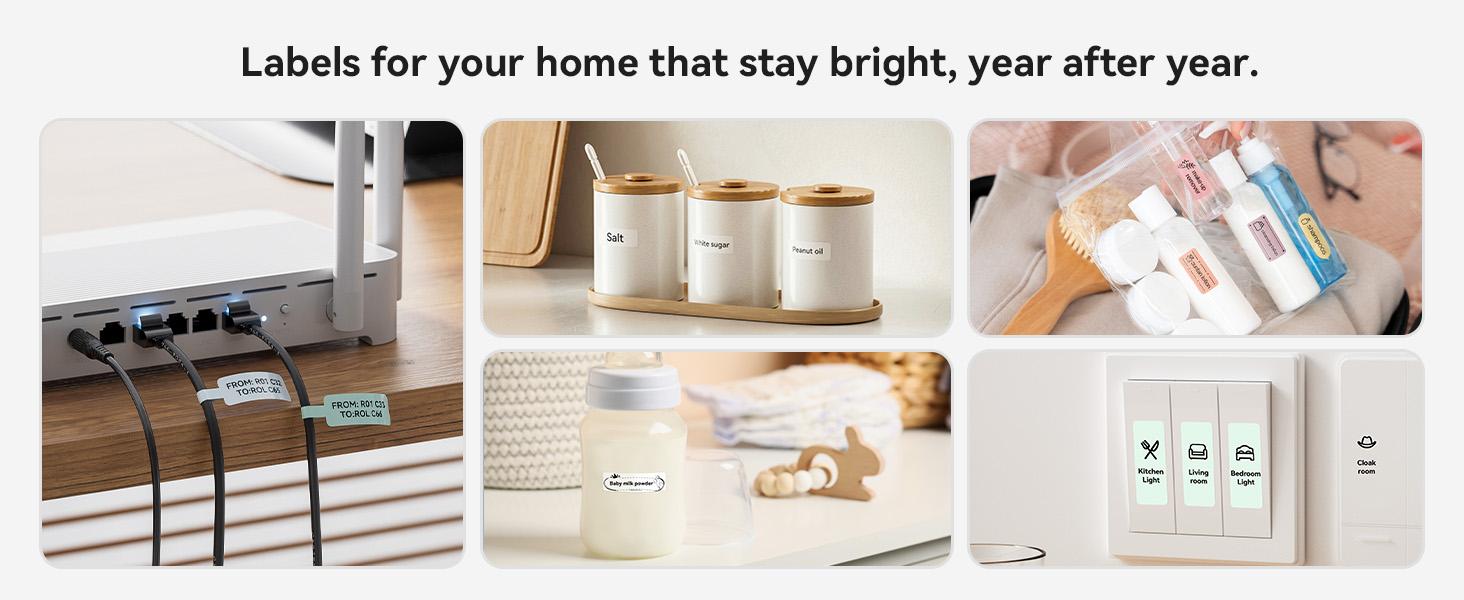
How to Print Satin Ribbon
Satin-ribbon printing requires the compatible NIIMBOT N1 ribbon set, which is sold separately.
- Obtain the compatible NIIMBOT N1 ribbon set.
- Install the ribbon and required printing components according to the supplied instructions.
- Select the corresponding ribbon size in the NIIMBOT app.
- Create or customise your ribbon design.
- Print a short test section.
- Check the alignment and print quality.
- Make any necessary adjustments before printing the final ribbon.
Standard tape accessories may not contain the components required for satin-ribbon printing.
Tips for Better Printing Results
- Select the correct media size inside the NIIMBOT app
- Keep labels, tape and ribbon clean and dry
- Avoid unnecessarily touching the printable surface
- Print a test label before producing multiple copies
- Use clear, high-contrast designs for barcodes and QR codes
- Test printed codes before commercial use
- Do not force incompatible rolls into the printer
- Keep the printing area free from adhesive residue
- Store unused labels and ribbons away from excessive heat and moisture
- Follow the product instructions when replacing thermal-transfer supplies
Perfect For
- Home organisation
- Home offices
- Small businesses
- Craft rooms
- School supplies
- File classification
- Food-date labelling
- Refrigerator organisation
- Cable identification
- Cosmetic storage
- Jewellery tags
- Price tags
- Jar labels
- Potted plants
- Wedding decorations
- Gift wrapping
- Holiday projects
- Personal-item identification
Package Information
The supplied product information describes the package as a NIIMBOT N1 label maker with tape.
The exact tape size, number of rolls, charging cable, power accessories and printed instructions were not specified.
Confirm the selected product variation before publishing an exact package-contents list.
Important: Satin-ribbon printing accessories are sold separately.
Delivery Information
| Destination | Estimated Delivery Time |
|---|---|
| USA | 5–7 business days |
| UK | 4–6 business days |
| Australia | 3–5 business days |
| Europe | 4–6 business days |
| Worldwide | 5–7 business days |
Delivery estimates may vary due to customs clearance, public holidays, courier delays, or remote delivery locations.
Related Products
Reviews
Clear filtersThere are no reviews yet.