

Fast and Convenient Shipping Label Printer
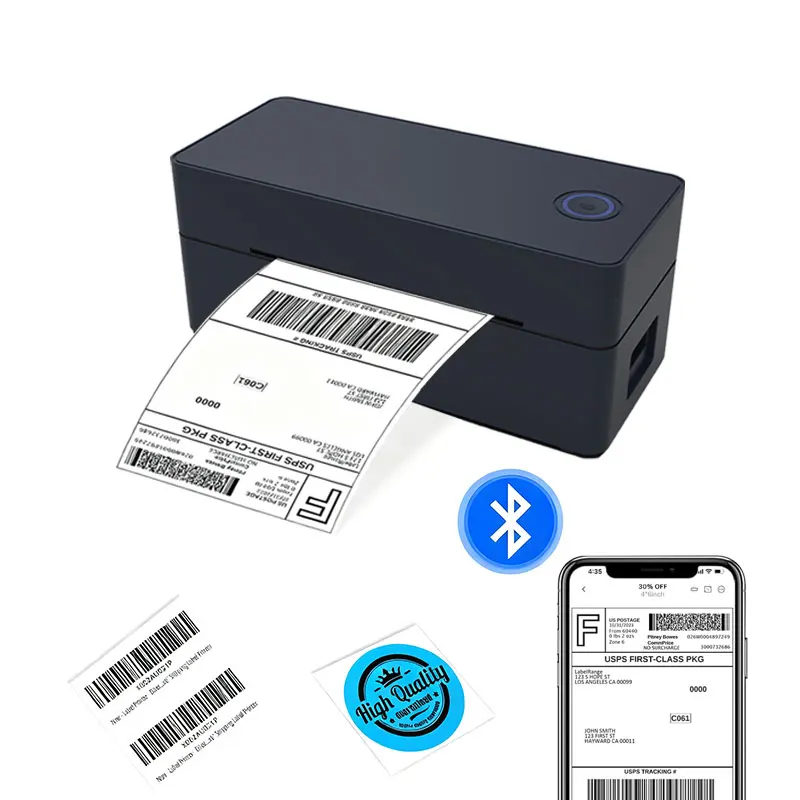
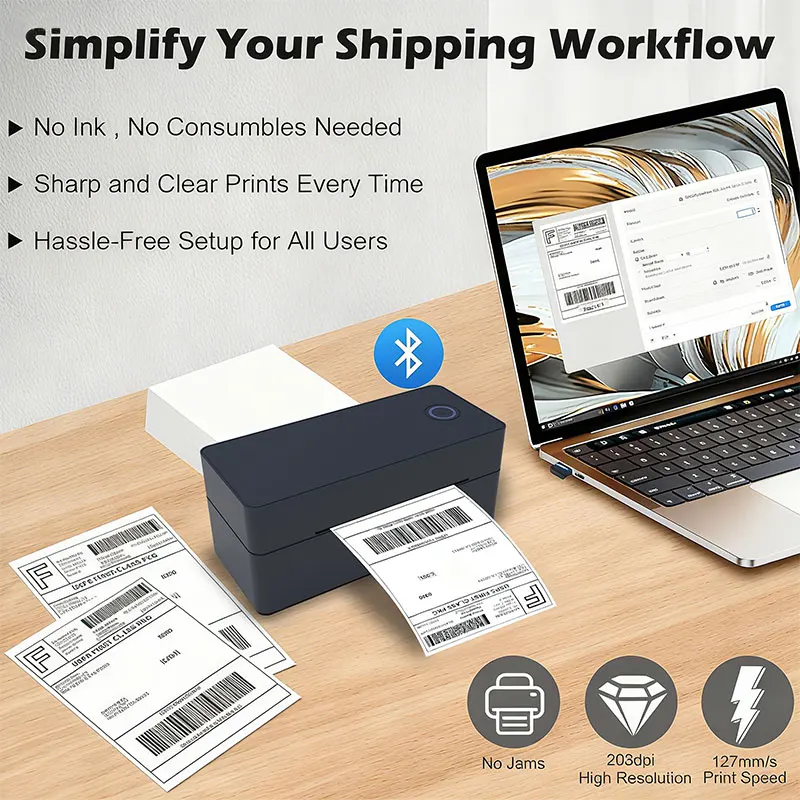
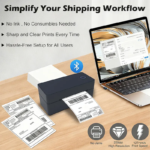
Process shipping and business labels efficiently with the ZJ-9260 thermal label printer from Idiello.com. Designed for shipping labels, barcodes, inventory identification and other compatible business labels, it uses direct thermal technology and does not require ink cartridges, toner or printing ribbons.
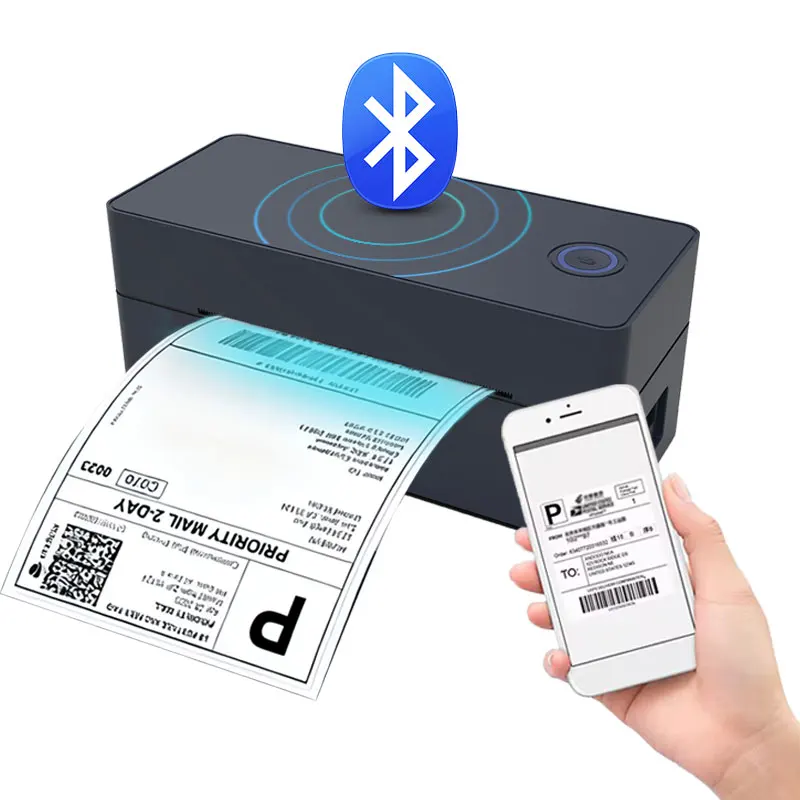
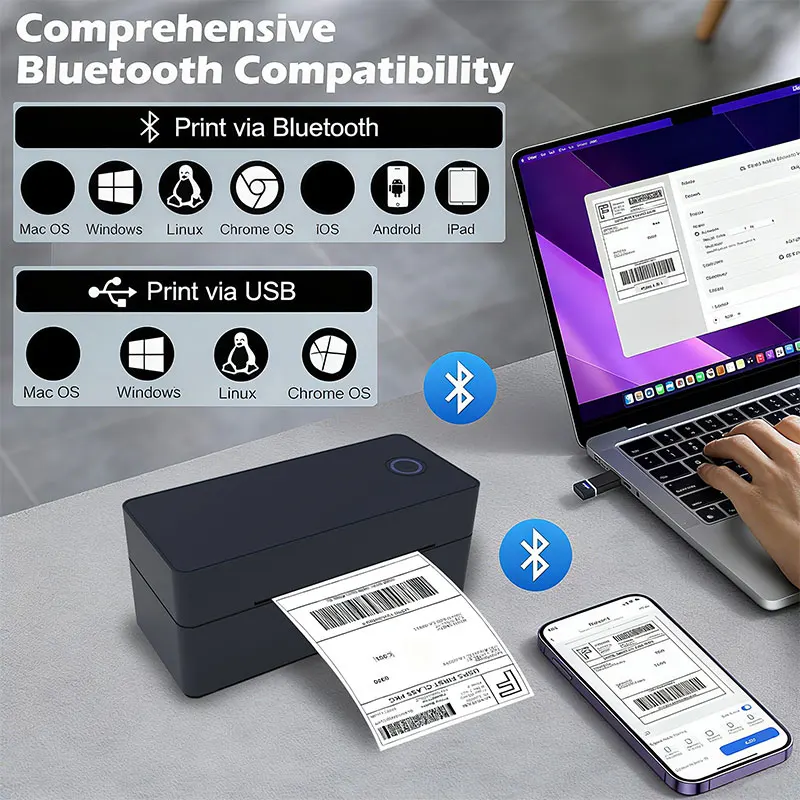
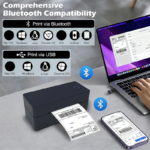
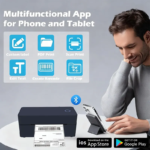
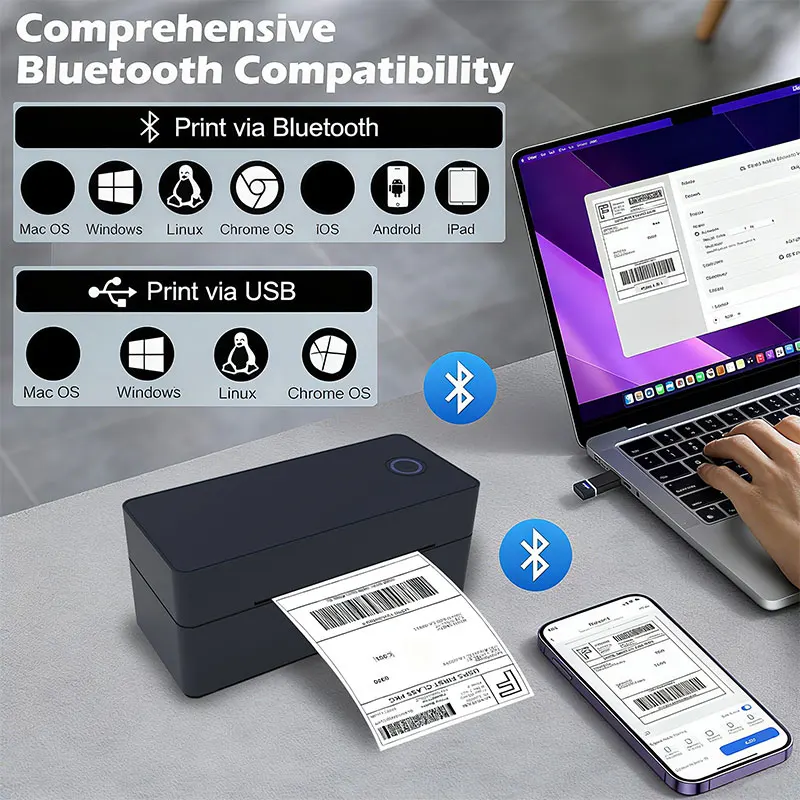
Choose between the 9260-USB and 9260-Bluetooth configurations according to the devices and workflow you use. The USB model supports Windows and Mac computers, while the Bluetooth version supports Windows, Mac, iOS and Android.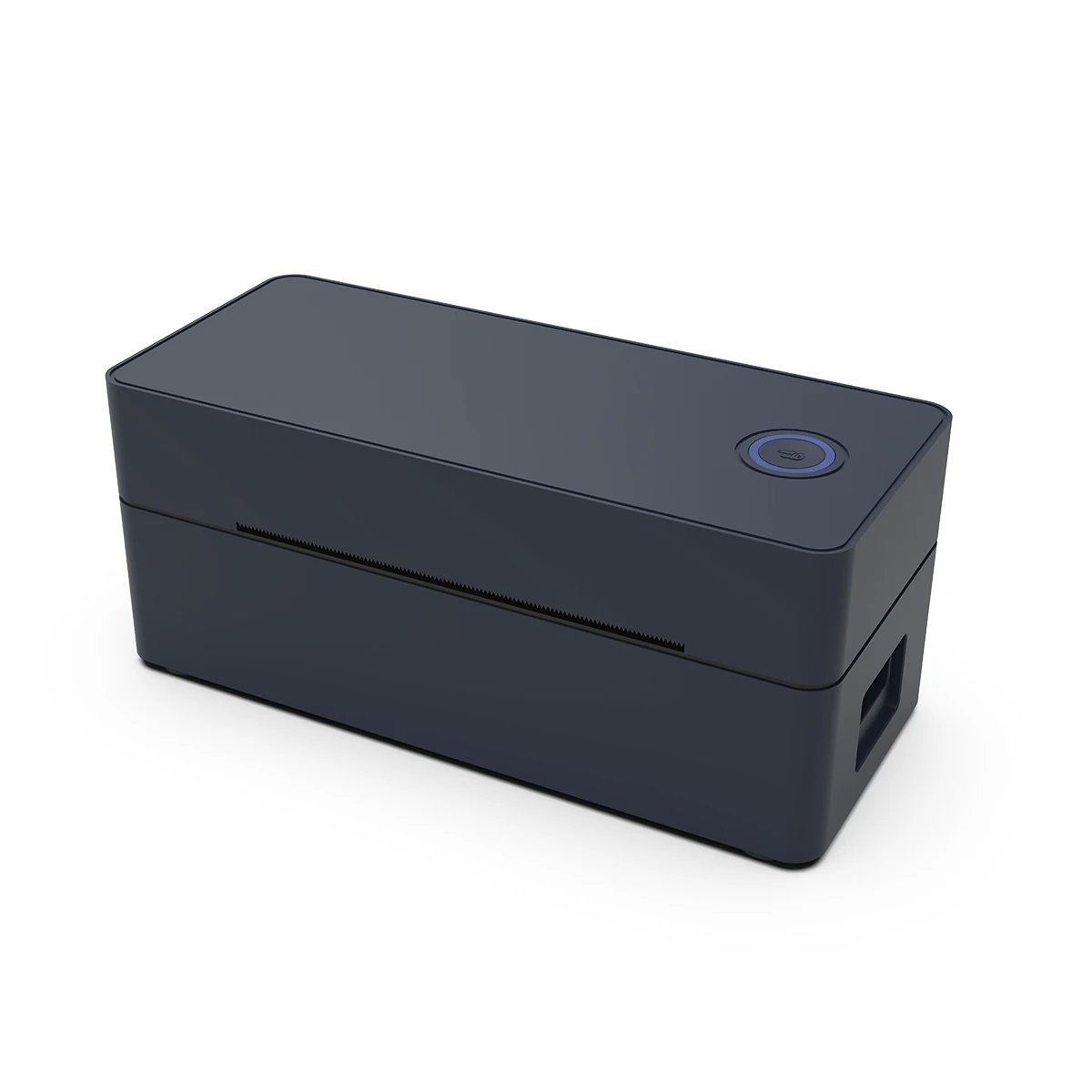
Key Features of the Thermal Label Printer
The ZJ-9260 combines direct thermal printing, multiple connectivity options and a compact desktop design for home businesses, warehouses, stockrooms and eCommerce order-processing environments.
Direct Thermal Printing Technology
The direct thermal label printer uses controlled heat to create text, barcodes and other information on compatible direct thermal label media.
This means the printer does not require:
- Ink cartridges
- Toner cartridges
- Printing ribbons
Compatible direct thermal labels are required for printing.
Printing Speed Up to 160mm Per Second
The manufacturer lists a maximum printing speed of up to 160mm per second.
This can make the printer suitable for repeated shipping-label and business-label tasks where multiple labels need to be processed.
Actual printing speed may vary according to:
- Label complexity
- Printer settings
- Connected device
- Interface
- Software
- Label configuration
203dpi Printing Resolution
The printer uses a stated 203dpi resolution for compatible thermal-label printing.
It can be used for information such as:
- Shipping addresses
- Tracking details
- Barcodes
- QR codes
- Product identification
- Inventory labels
- Warehouse labels
Always check printed barcodes and QR codes before attaching labels to parcels or products to make sure they are complete and readable.
Two Connectivity Options
The ZJ-9260 is available in different configurations. Device compatibility depends on the version selected.
9260-USB Model
The USB configuration supports:
- Windows computers
- Mac computers
- Direct wired connection
- Desktop workstation use
Connect the printer to a compatible computer using the supplied connection cable and install the appropriate driver before printing.
9260-Bluetooth Model
The Bluetooth configuration supports:
- Windows
- Mac
- Compatible iOS devices
- Compatible Android devices
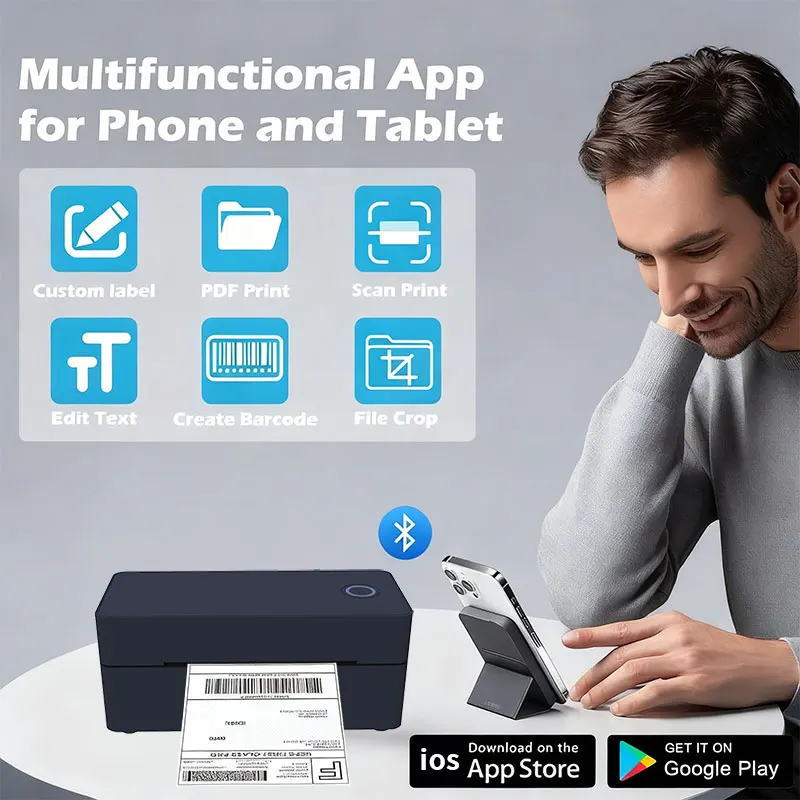
For compatible phone or tablet connections, the supplied product information identifies the “Print Label” mobile application.
Setup steps can vary depending on the device, operating system, app version and permissions.
Compact Desktop Design
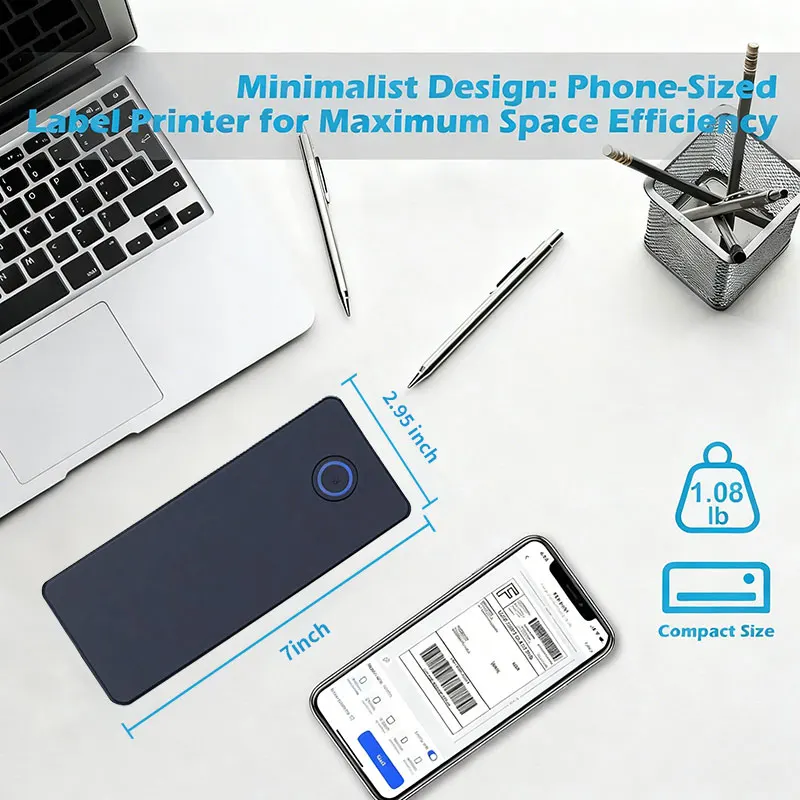
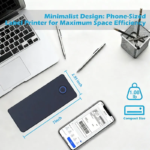
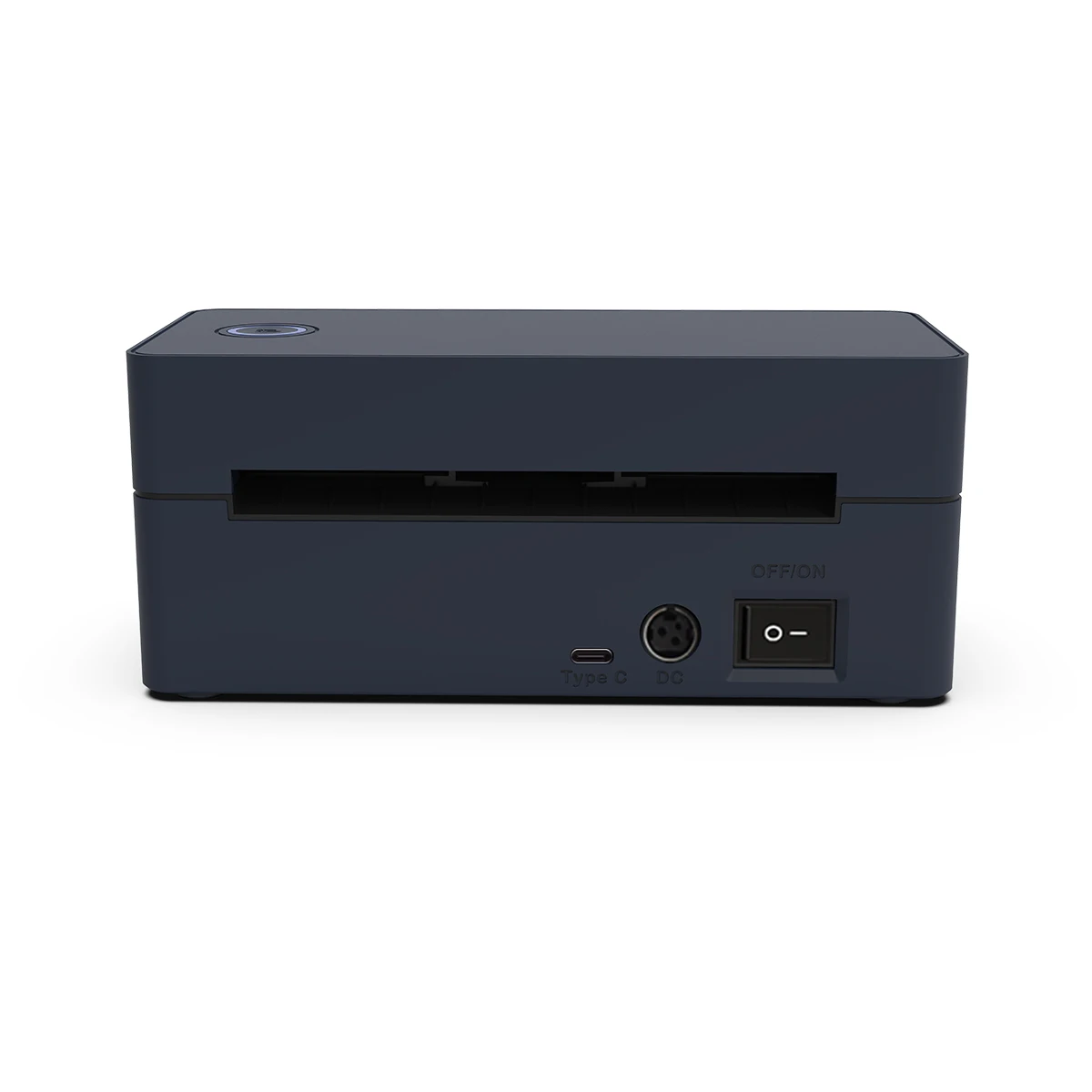
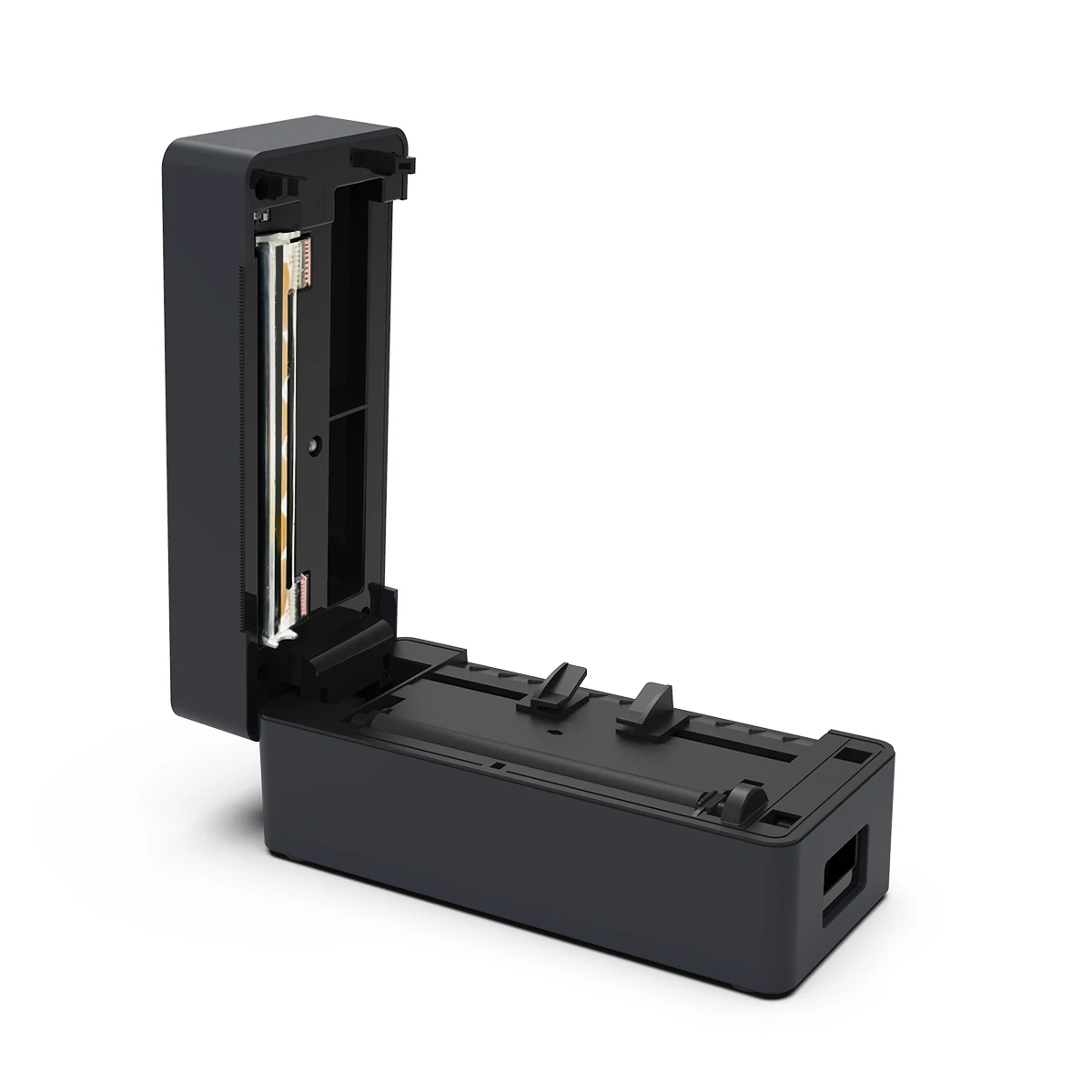
The black rectangular printer is designed for desktop use and can fit into a variety of business and packing environments.
Suitable locations can include:
- Home offices
- Online shops
- Packing desks
- Stockrooms
- Warehouses
- Retail counters
- Small-business workstations
Regional Plug Options
Available power-plug options include:
- EU plug
- US plug
- AU plug
- UK plug
The supplied information states that a plug is normally provided according to the destination country.
If a specific plug type is required, confirm the selected option before ordering.
Suitable for Different Label Applications
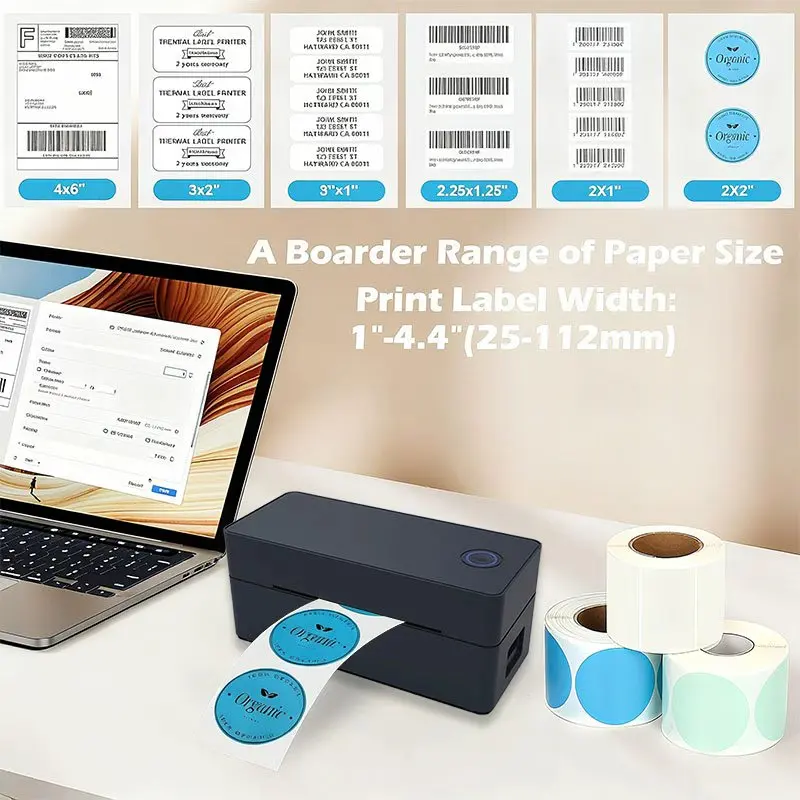
This thermal printer for shipping labels can be used with compatible direct thermal media for tasks such as:
- Parcel labels
- Address labels
- Barcode labels
- QR-code labels
- Product identification
- Inventory organisation
- Storage labels
- Retail labels
- Order-processing labels
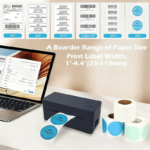
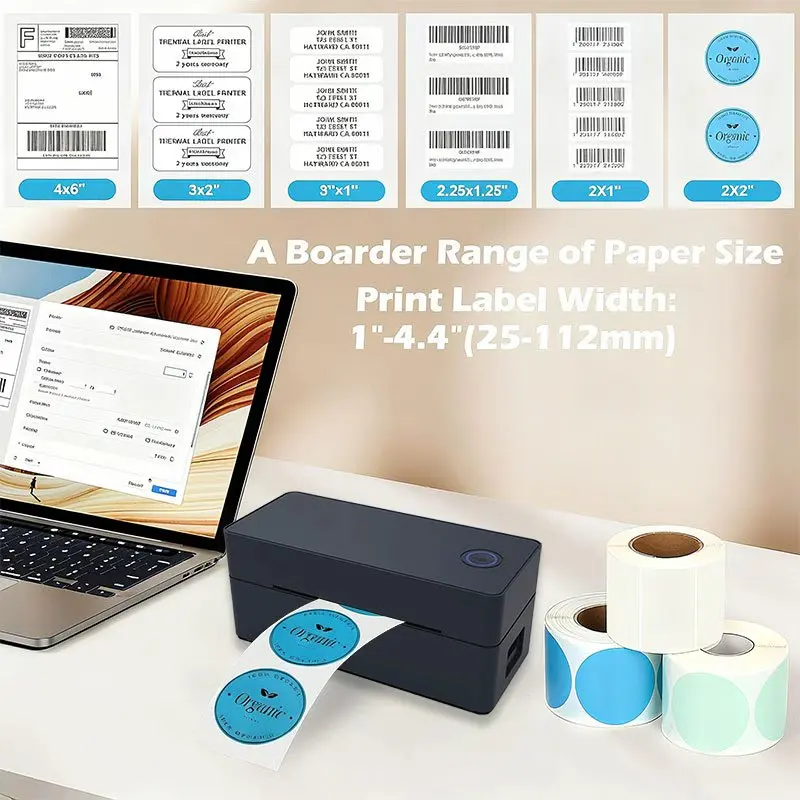
Label size and media must be compatible with the printer and correctly configured in the selected printing software.
Product Benefits
- Prints without ink cartridges or toner
- Uses direct thermal printing technology
- Provides printing speeds up to 160mm per second
- Uses 203dpi printing resolution
- Offers USB and Bluetooth configurations
- Supports different desktop and mobile workflows depending on the model
- Suitable for shipping, barcode and inventory labels
- Fits into compact business workspaces
- Useful for home businesses and eCommerce order processing
- Supports compatible direct thermal label media
- Available with EU, US, AU and UK plug options
Perfect For
- Online sellers
- Small businesses
- Home offices
- eCommerce order fulfilment
- Marketplace sellers
- Warehouses
- Stockrooms
- Retail businesses
- Parcel preparation
- Inventory organisation
- Product labelling
- Barcode printing
- Frequent shipping-label preparation
How to Set Up the Thermal Shipping Label Printer
USB Model Setup
- Remove the printer and supplied accessories from the packaging.
- Place the printer on a dry, flat and stable surface.
- Connect the supplied power adapter.
- Connect the printer to a compatible Windows or Mac computer using the supplied connection cable.
- Install the correct printer driver for the ZJ-9260.
- Follow the driver installation instructions.
- Load compatible direct thermal labels.
- Select the ZJ-9260 from the computer’s printer settings.
- Configure the correct label dimensions and orientation.
- Print a test label.
- Check that the text and barcode are complete and readable before printing larger quantities.
Bluetooth Model Setup
- Connect the printer to the supplied power source.
- Switch on the printer.
- Enable Bluetooth on the compatible device.
- Install the compatible “Print Label” application when using a supported mobile device.
- Allow any required Bluetooth permissions.
- Open the application and search for the printer.
- Select the ZJ-9260 and complete the connection.
- Load compatible direct thermal labels.
- Configure the correct label dimensions.
- Import or create the required label.
- Print a test copy before processing multiple labels.
The exact setup process can vary according to the operating system, device and software version.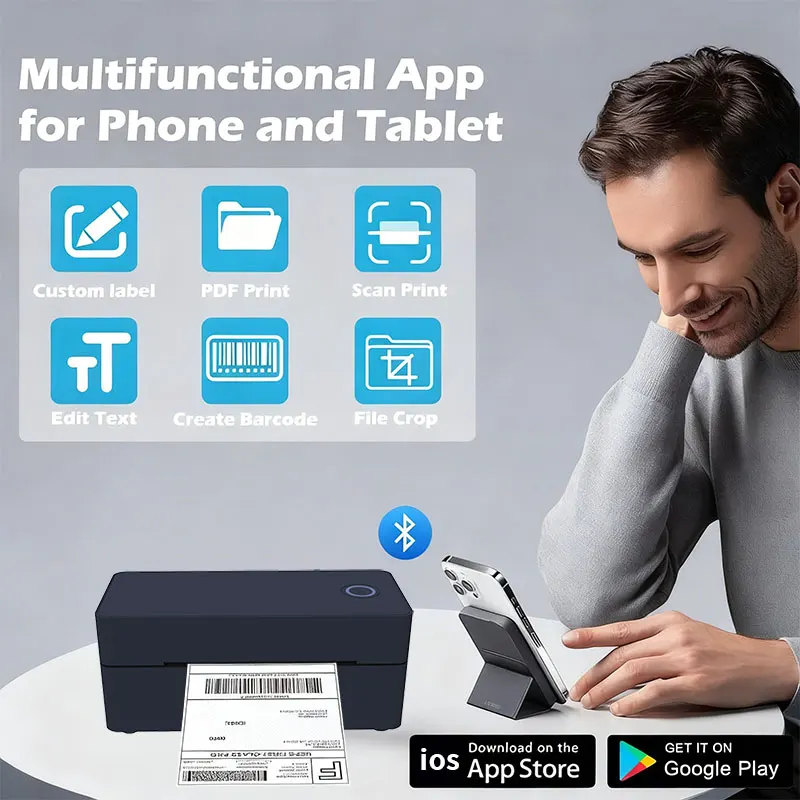
How to Print Shipping Labels
- Create the shipment using your selected courier, postal service or selling platform.
- Confirm the recipient’s shipping information.
- Download or open the generated shipping-label file.
- Select the ZJ-9260 from the printer menu.
- Choose the correct label dimensions and orientation.
- Set the appropriate print scaling.
- Print one test label.
- Confirm that the recipient address, tracking number and barcode are complete.
- Attach the label smoothly to the parcel.
- Avoid placing folds, seams or other obstructions across the barcode.
Courier and marketplace procedures can vary. Follow the instructions supplied by the selected shipping platform.
How to Print a USPS Shipping Label
The ZJ-9260 can be used to print a compatible USPS shipping-label file after the shipping label has been created through USPS or another authorised shipping service.
- Create and purchase the required shipping label through USPS or a compatible shipping platform.
- Download the label to a compatible computer or mobile device.
- Open the file using suitable label-printing or document software.
- Select the ZJ-9260 printer.
- Choose the correct thermal-label size.
- Confirm the label alignment and scaling.
- Print a test label.
- Check that the barcode, tracking information and address are clearly readable.
The printer itself does not create postage or purchase shipping services. Shipping labels must first be generated through the appropriate carrier or selling platform.
Product Specifications
| Specification | Details |
|---|---|
| Model | ZJ-9260 |
| Product Type | Thermal shipping and barcode label printer |
| Printing Method | Direct thermal |
| Printing Resolution | 203dpi |
| Printing Speed | Up to 160mm per second |
| Available Interfaces | USB or Bluetooth, depending on selected model |
| 9260-USB Compatibility | Windows and Mac |
| 9260-Bluetooth Compatibility | Windows, Mac, iOS and Android |
| Mobile Application | “Print Label” app for compatible Bluetooth connections |
| Ink or Toner Required | No |
| Suitable Media | Compatible direct thermal labels |
| Power Plug Options | EU, US, AU and UK |
| Plug Selection | Normally supplied according to destination country |
| Colour | Black |
| Recommended Use | Shipping, barcodes, inventory and business labels |
Package Includes
- 1 × ZJ-9260 Thermal Label Printer
- 1 × Power Adapter with destination-appropriate plug
- 1 × Connection Cable for the selected model
- 1 × User Manual
Important: Package contents can vary depending on whether the USB or Bluetooth configuration is selected.
Shipping-label rolls are not confirmed as included unless specifically shown in the selected purchase option.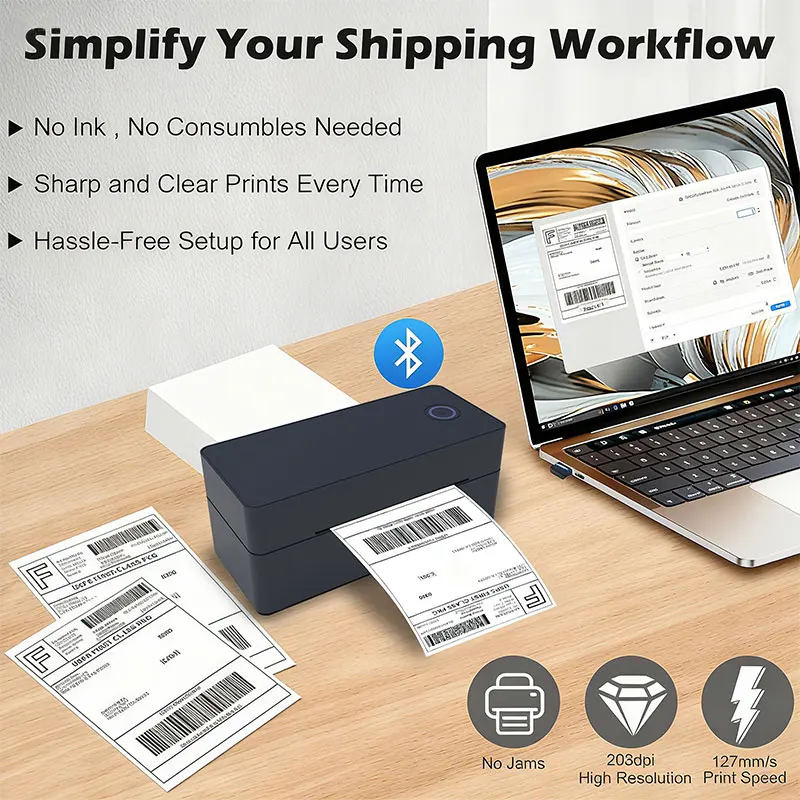
Driver and Software Setup
Use the appropriate manufacturer software and driver for the exact ZJ-9260 configuration and operating system being used.
Before downloading printer software:
- Confirm the printer model
- Confirm the operating system
- Use the appropriate manufacturer resource
- Avoid unknown third-party driver websites
- Follow the supplied printer manual during setup
Mobile software requirements can change between app and operating-system versions.
Important Setup and Safety Information
- Confirm the selected USB or Bluetooth model before ordering
- Use the supplied or manufacturer-approved power equipment
- Place the printer on a stable and dry surface
- Keep liquids away from the printer, adapter and connection ports
- Use only compatible direct thermal labels
- Do not pull labels forcefully while the printer is operating
- Disconnect power before cleaning
- Allow the print head to cool before touching or cleaning it
- Clean the print head according to the manufacturer’s instructions
- Do not insert sharp objects into the label compartment
- Arrange power and connection cables safely
- Print a test label after changing label sizes or printing settings
- Check barcode readability before attaching labels to parcels
Delivery Information
| Destination | Estimated Delivery Time |
|---|---|
| USA | 5–7 business days |
| UK | 4–6 business days |
| Australia | 3–5 business days |
| Europe | 4–6 business days |
| Worldwide | 5–7 business days |
Delivery estimates may vary because of customs clearance, public holidays, courier delays or remote delivery locations.
Related Products
Reviews
Clear filtersThere are no reviews yet.