

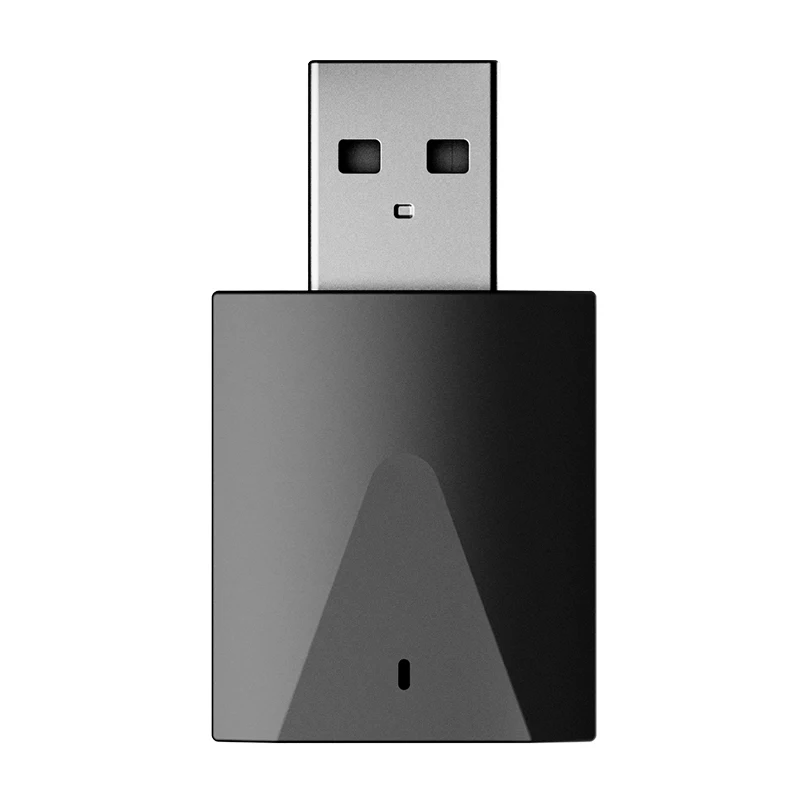
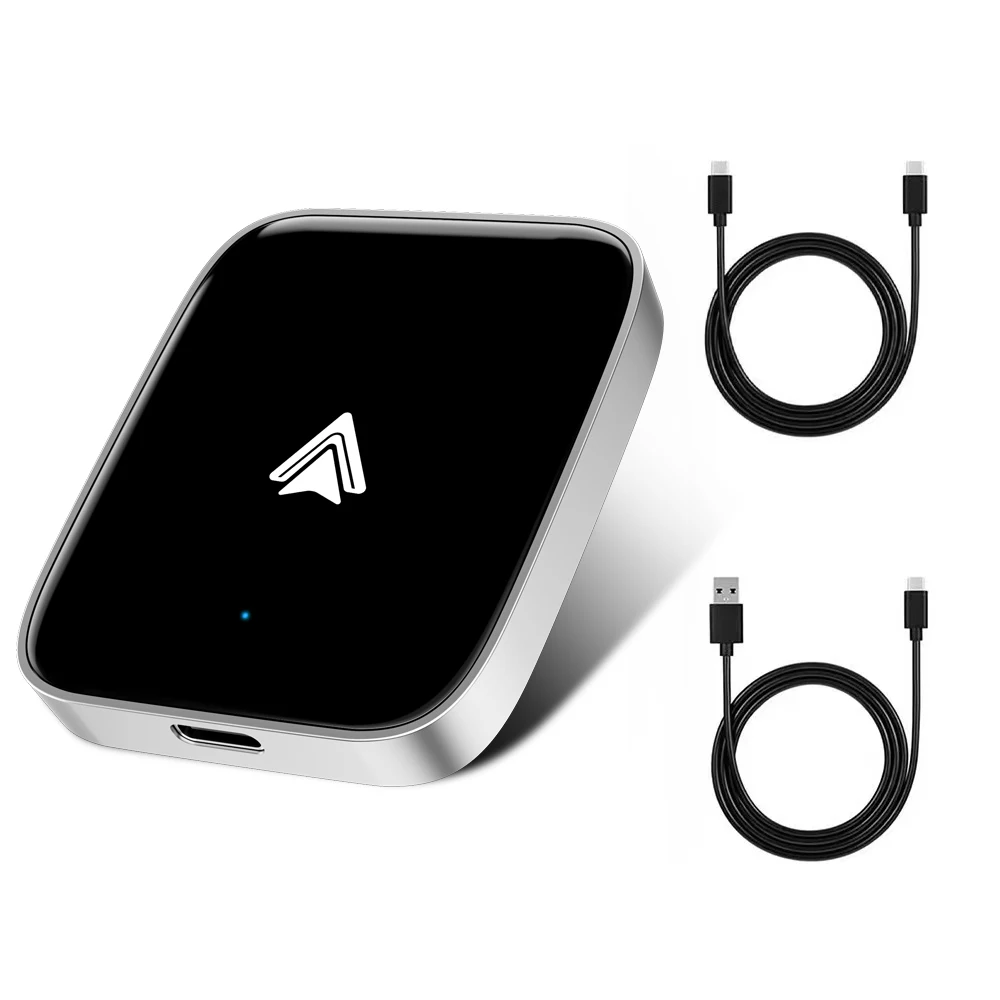
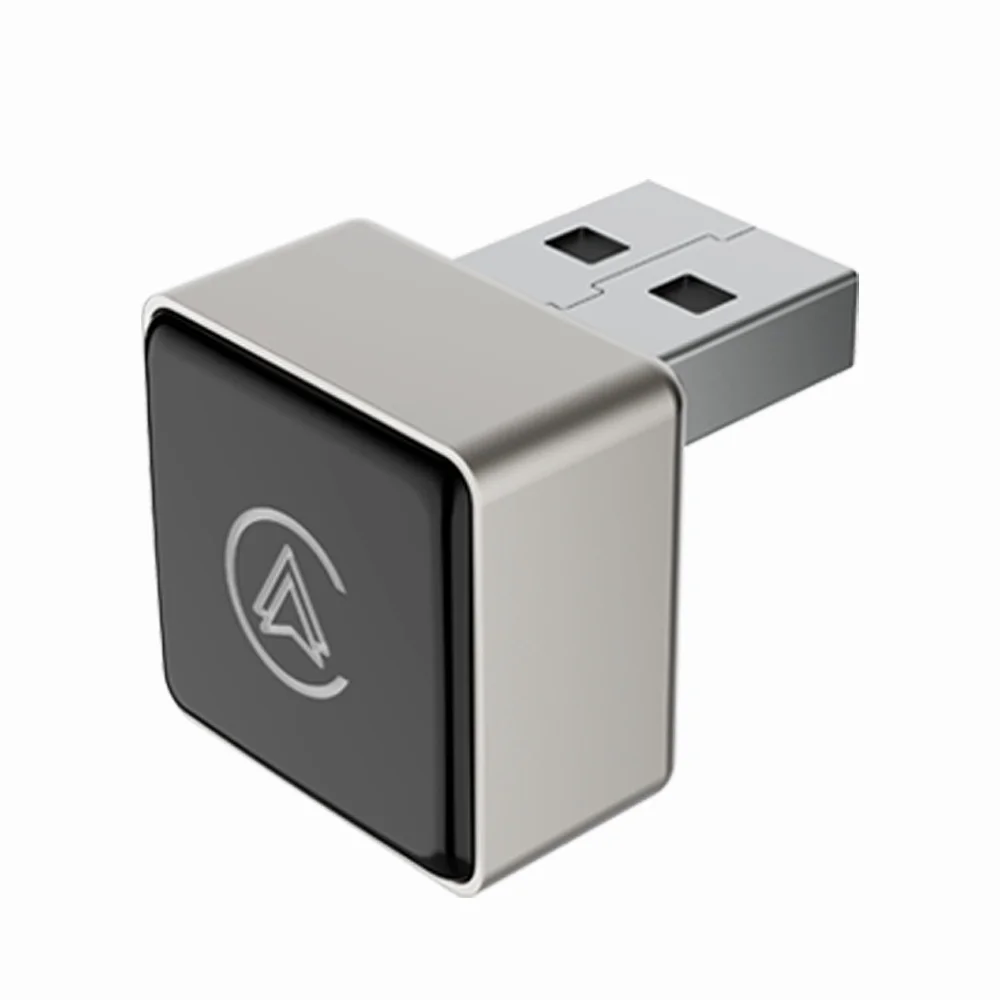
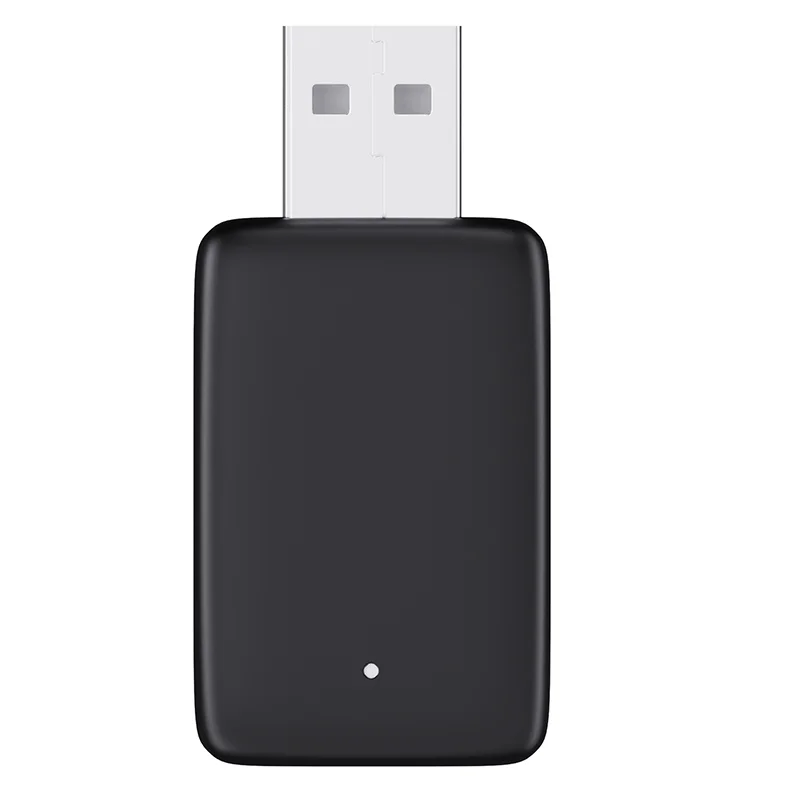

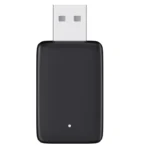
Wireless Freedom Wireless Android Auto & CarPlay Dongle
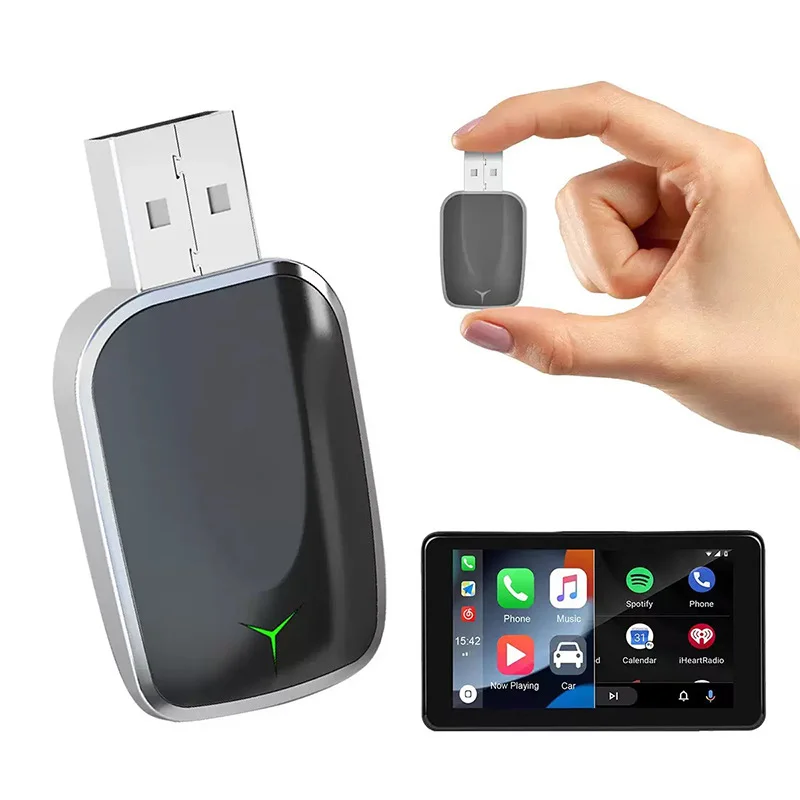
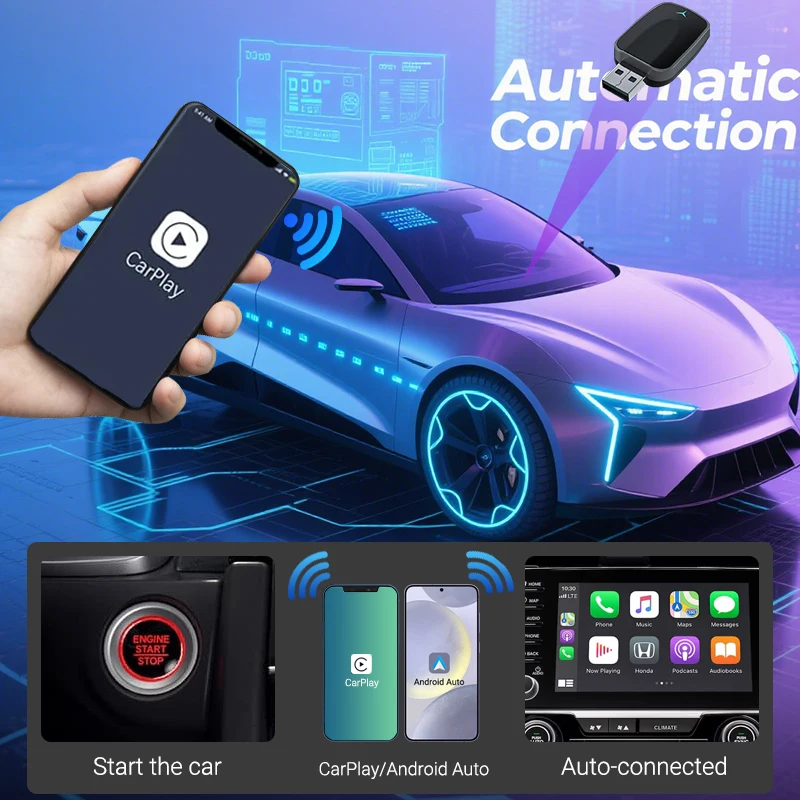
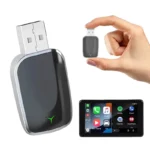
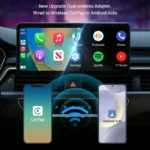
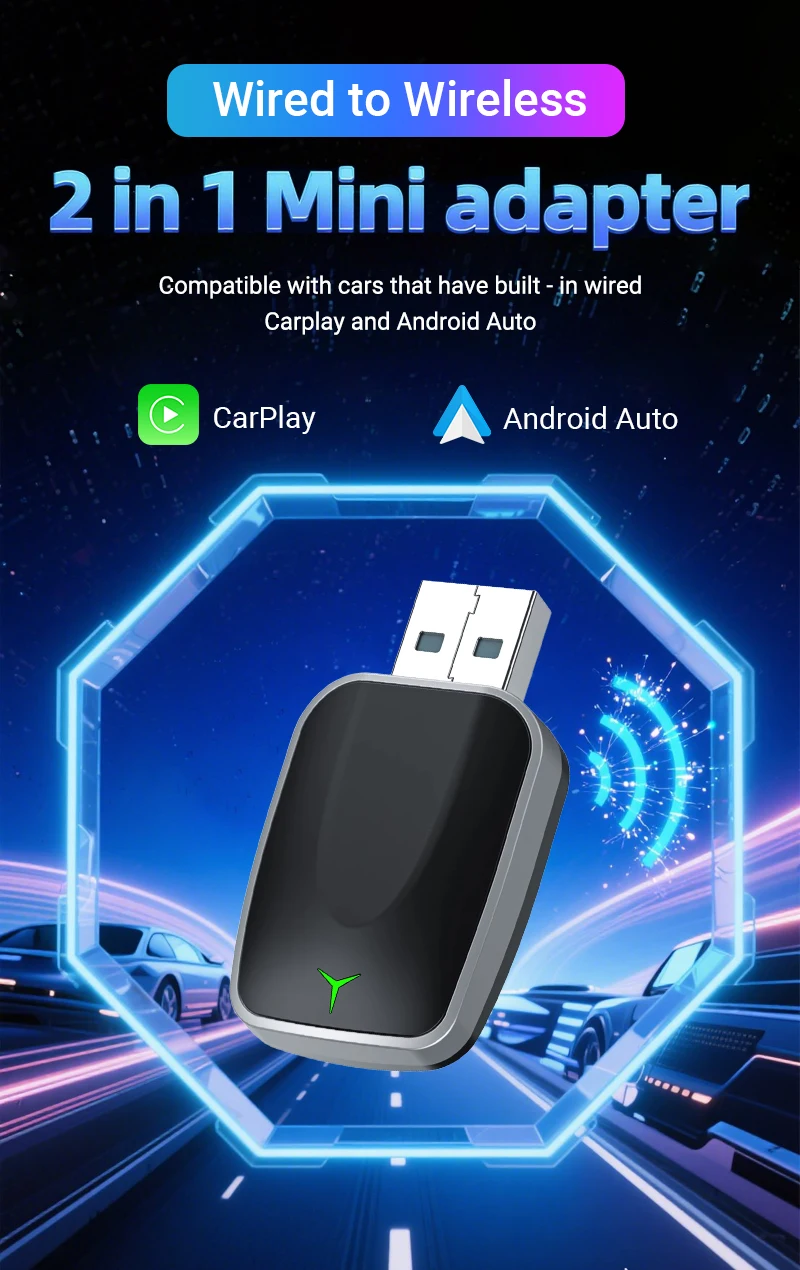
Remove the need to connect your phone by cable on every drive with the Wireless Freedom Wireless Android Auto & CarPlay Dongle from Idiello.com. Designed for compatible vehicles that already have factory-installed wired Apple CarPlay or Android Auto, the adapter converts the existing wired connection into a wireless one.
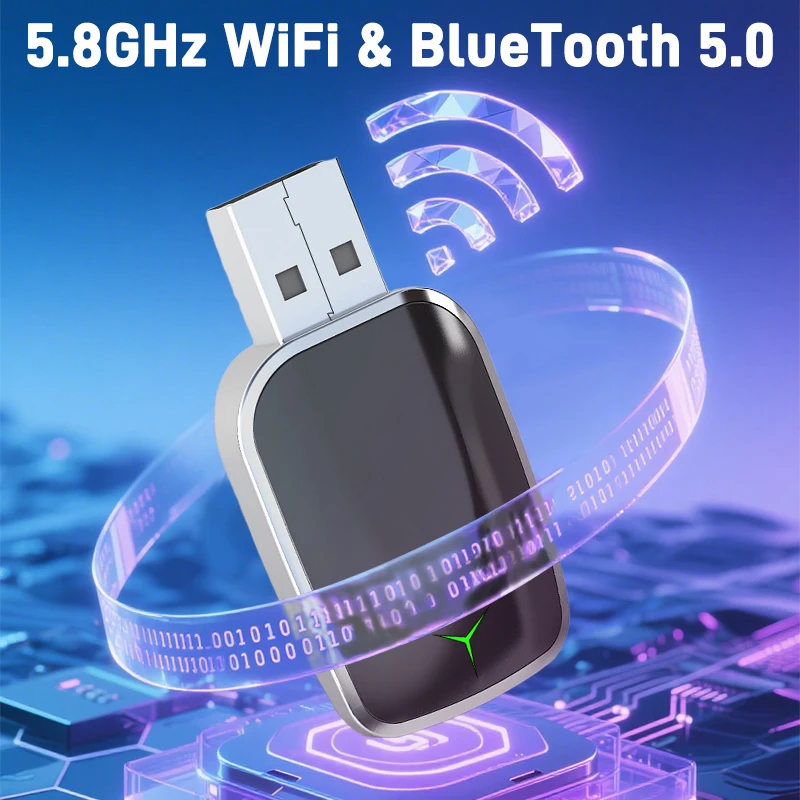
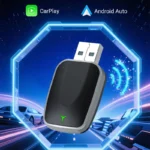
Using Bluetooth for initial pairing and 5.8GHz WiFi for data transmission, it provides a convenient way to access compatible navigation, music, calls and voice-assistant features through your vehicle’s existing infotainment system.
Convert Wired CarPlay to Wireless
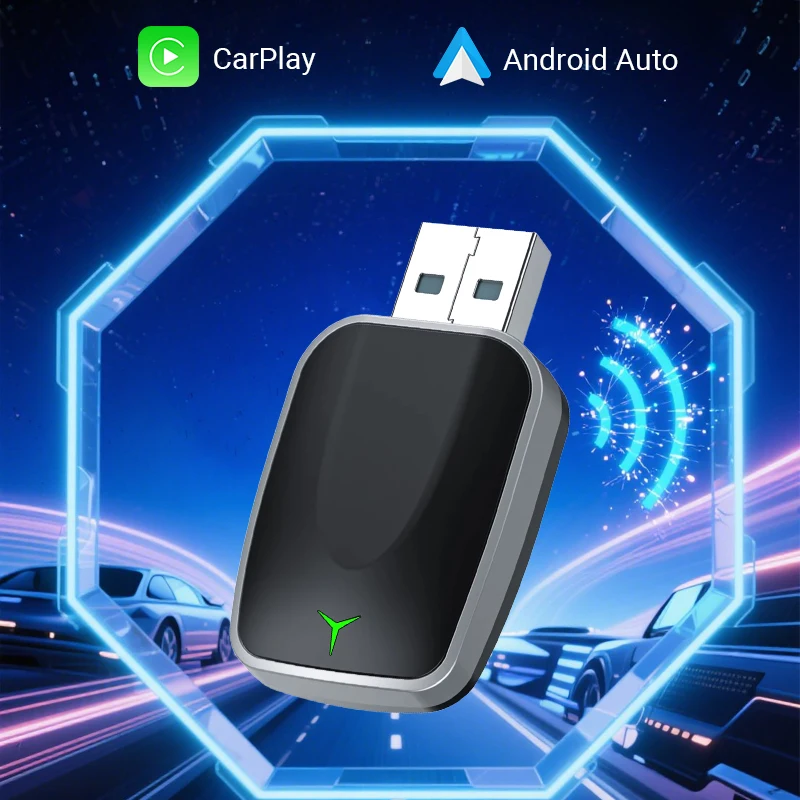
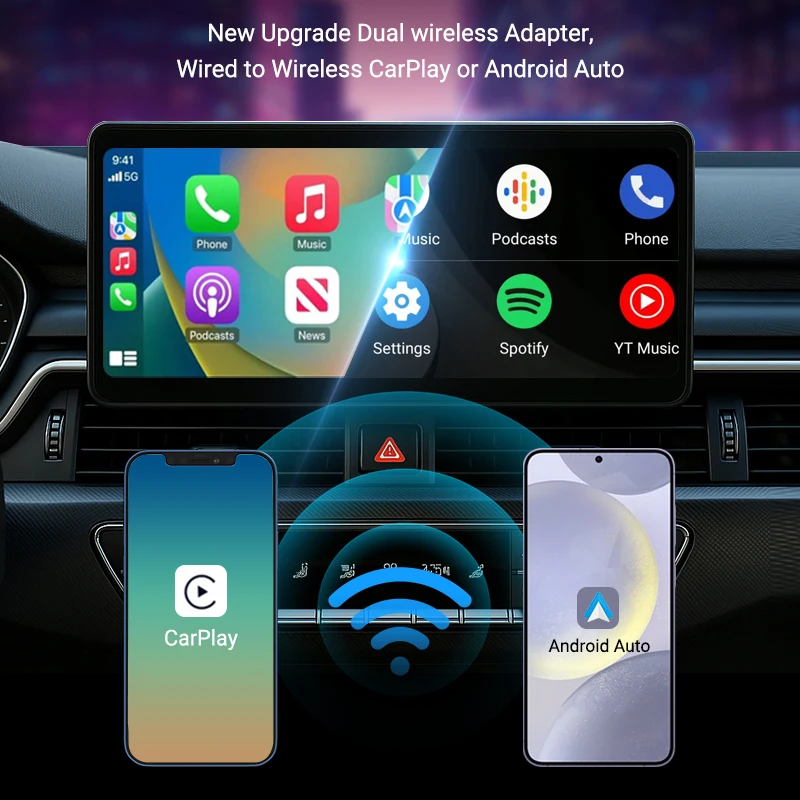
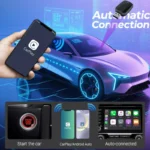
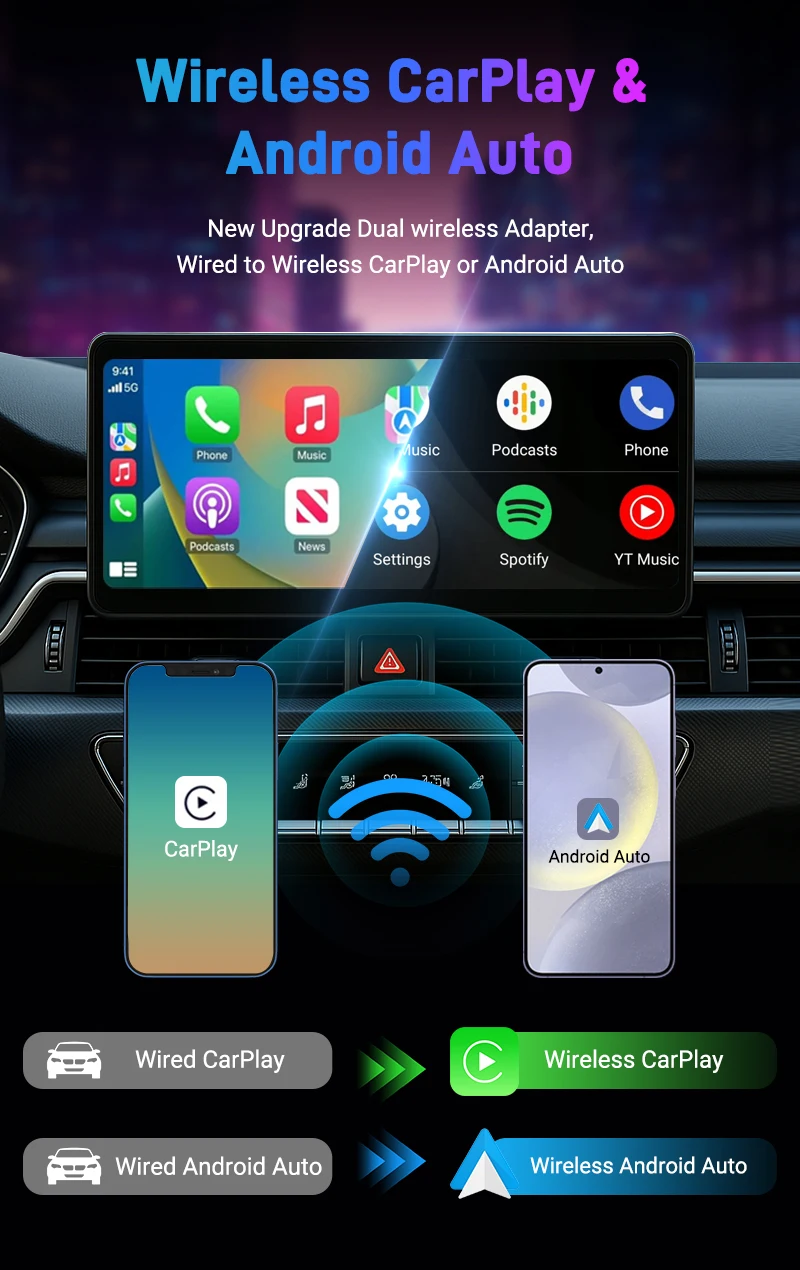
The adapter is designed to convert an existing wired Apple CarPlay connection into a wireless connection.
Once appropriately configured, a compatible iPhone can connect without requiring the phone to be plugged into the vehicle with its usual data cable for every drive.
The vehicle must already support factory-installed wired CarPlay. This adapter does not add CarPlay to an unsupported infotainment system.
Wireless Android Auto Support
The dongle also supports conversion from wired Android Auto to wireless Android Auto on compatible vehicles and smartphones.
The supplied information specifies support for Android smartphones running Android 11 or later.
As with CarPlay, the vehicle must already have a compatible wired Android Auto system.
Bluetooth & 5.8GHz WiFi Connectivity
The adapter uses two wireless technologies during operation:
- Bluetooth for initial pairing
- 5.8GHz WiFi for data transmission
This wireless setup allows compatible smartphones and vehicle infotainment systems to communicate without maintaining the normal wired phone connection.
Actual wireless performance can vary according to the phone, vehicle, software version and surrounding wireless environment.
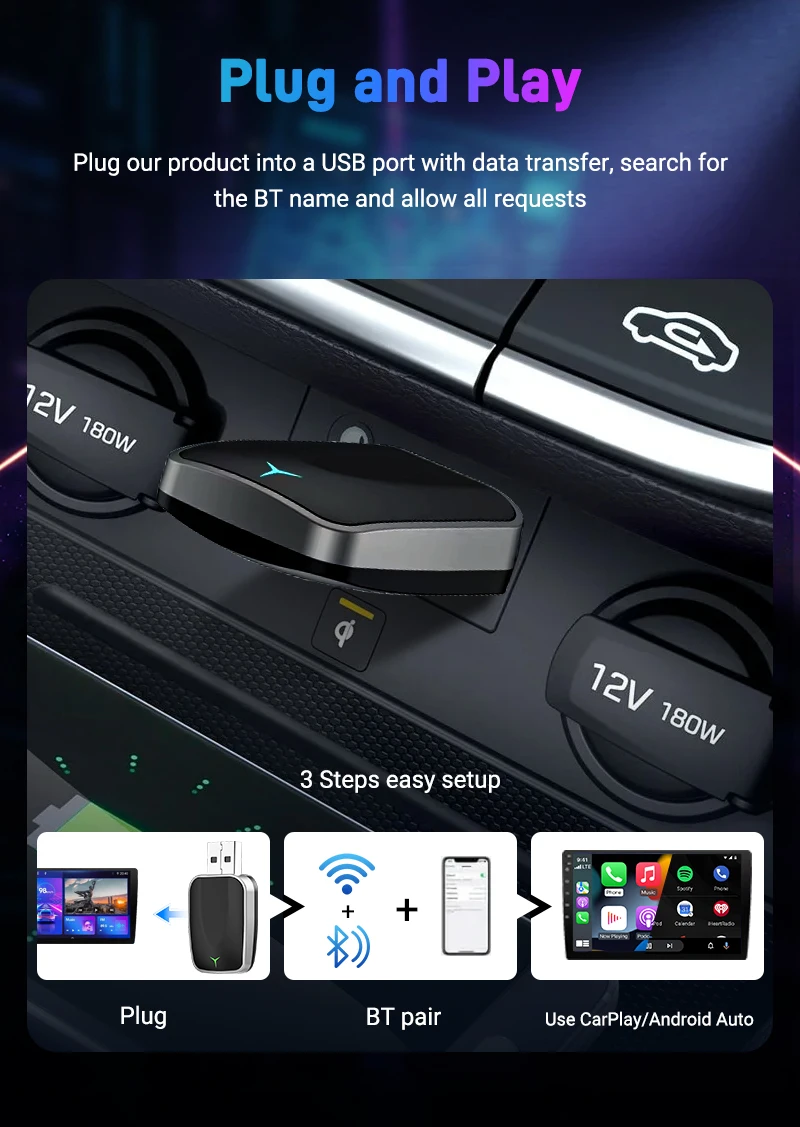
Plug-and-Play Setup
The supplied information describes the adapter as plug-and-play, with no separate software installation required for its basic setup.
For a compatible vehicle, connect the dongle to the appropriate USB data port and pair it with your smartphone according to the supplied instructions.
After successful setup, the system is designed to provide wireless access to the compatible CarPlay or Android Auto interface.
Apple CarPlay Compatibility
The supplied compatibility information specifies:
iPhone 6 and newer with iOS 10 or later
The vehicle must also have factory wired Apple CarPlay.
Compatibility can still vary by vehicle, infotainment system and software configuration, so checking the specific vehicle before ordering is recommended.
Android Auto Compatibility
For Android Auto, the supplied requirements specify:
Android 11 or later
The vehicle must have existing wired Android Auto functionality.
The supplied information specifically states that Huawei devices using EMUI are not supported.
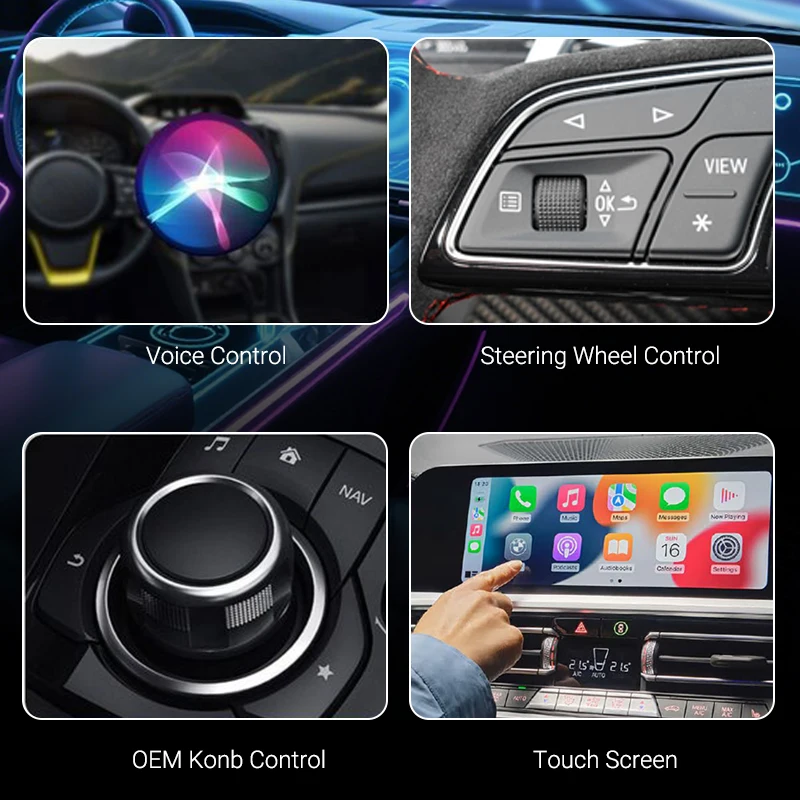
Voice Assistant Support
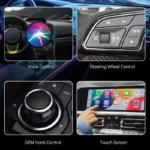
Compatible CarPlay and Android Auto systems provide access to their respective voice-assistant functions:
- Siri with Apple CarPlay
- Google Assistant with Android Auto
Available commands and functionality depend on the connected smartphone, operating system, applications and vehicle infotainment system.
Voice controls can help reduce the need to physically interact with a phone, but drivers should always follow applicable road-safety laws and remain focused on driving.
Navigation, Music & Calls
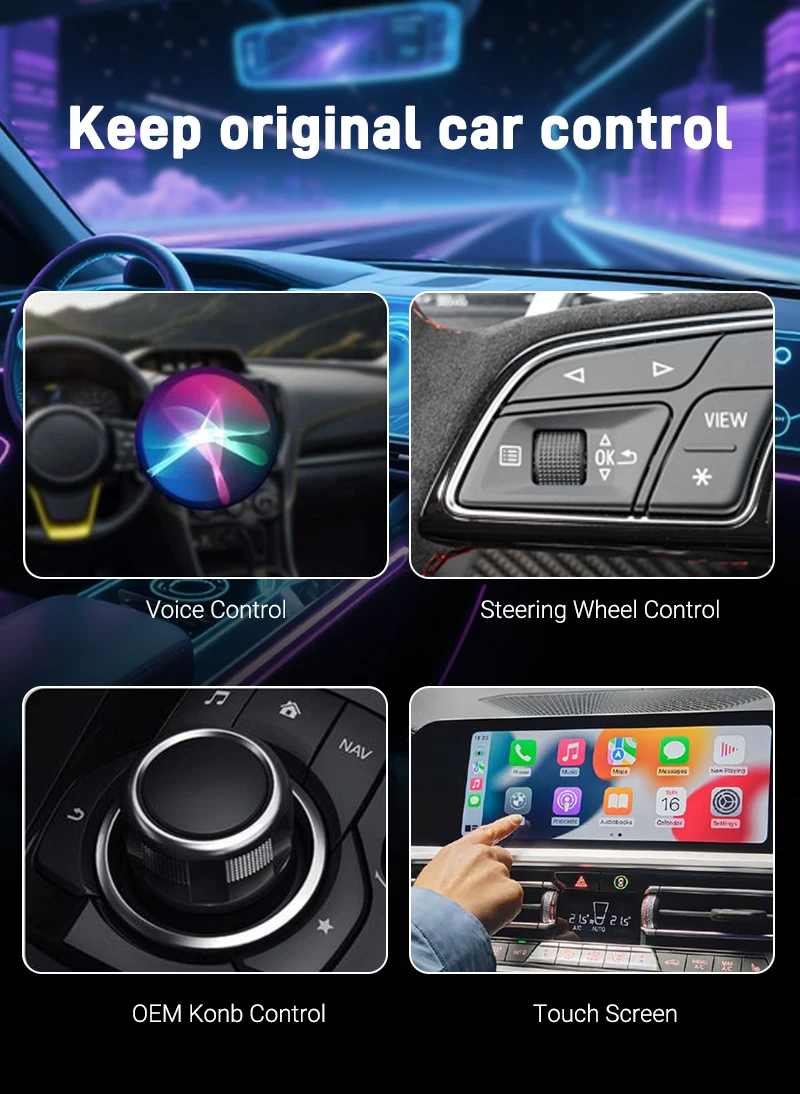
Once connected to a compatible system, the adapter can support the normal functions available through the vehicle’s CarPlay or Android Auto environment.
Depending on your phone, apps and vehicle, these may include:
- Navigation
- Music and audio
- Compatible messaging functions
- Phone calls
- Voice assistants
- Supported CarPlay or Android Auto apps
The adapter does not independently provide these services; it enables wireless access to the compatible system already available through your phone and vehicle.
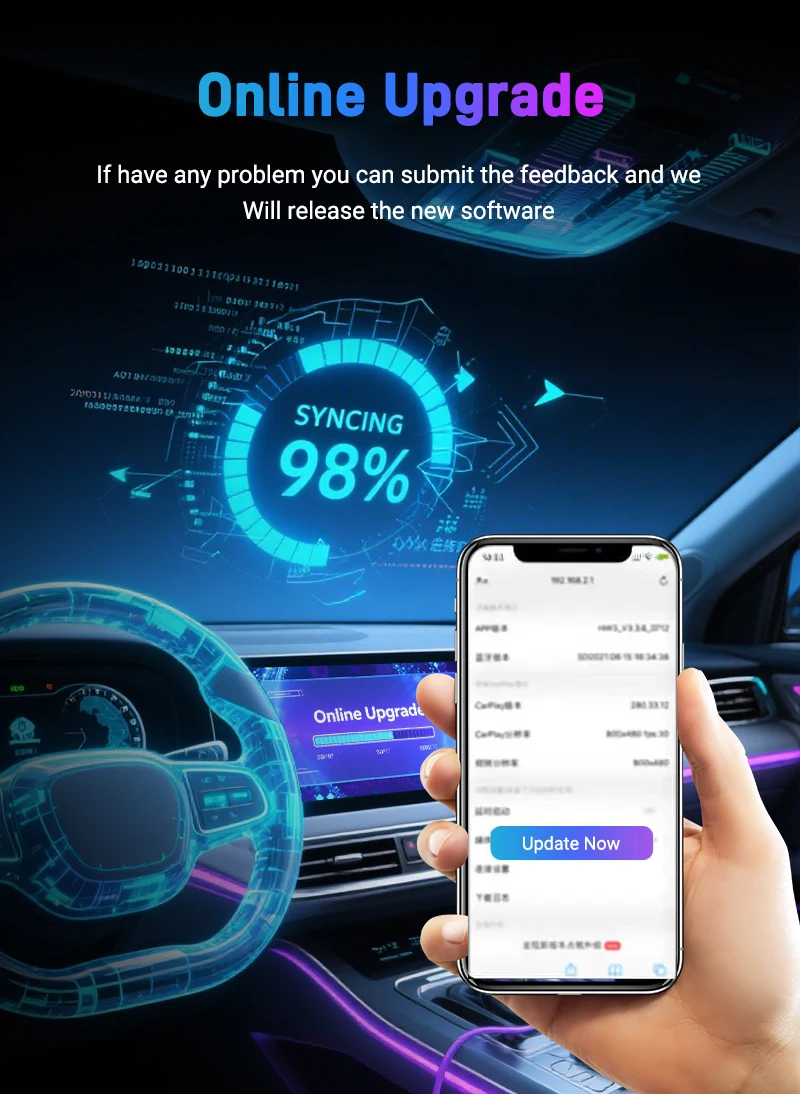
OTA Firmware Updates
The adapter supports OTA (over-the-air) firmware updates.
Firmware updates can be used to address supported compatibility issues or provide software improvements when updates are made available for the device.
Follow the supplied update instructions when performing firmware changes.
How to Check Vehicle Compatibility
Before ordering, first confirm that your vehicle already supports wired Apple CarPlay or wired Android Auto.
Simple Compatibility Check
- Connect a compatible smartphone to the vehicle’s USB data port using a suitable data cable.
- Check whether Apple CarPlay or Android Auto launches on the vehicle display.
- If the wired interface works, the vehicle may be suitable for wireless conversion with the adapter.
- Check the vehicle and adapter compatibility information before purchasing.
If the vehicle does not already support wired CarPlay or Android Auto, this dongle cannot add that functionality by itself.
Important Vehicle Compatibility Information
The supplied information describes broad compatibility with vehicles equipped with factory wired CarPlay or Android Auto, but compatibility should not be treated as universal.
The source specifically warns that:
- BMW may not be compatible
- Tesla may not be compatible
- Some other vehicle models or infotainment systems may not be supported
Because vehicle hardware and infotainment software vary by model and year, compatibility should be checked before ordering.
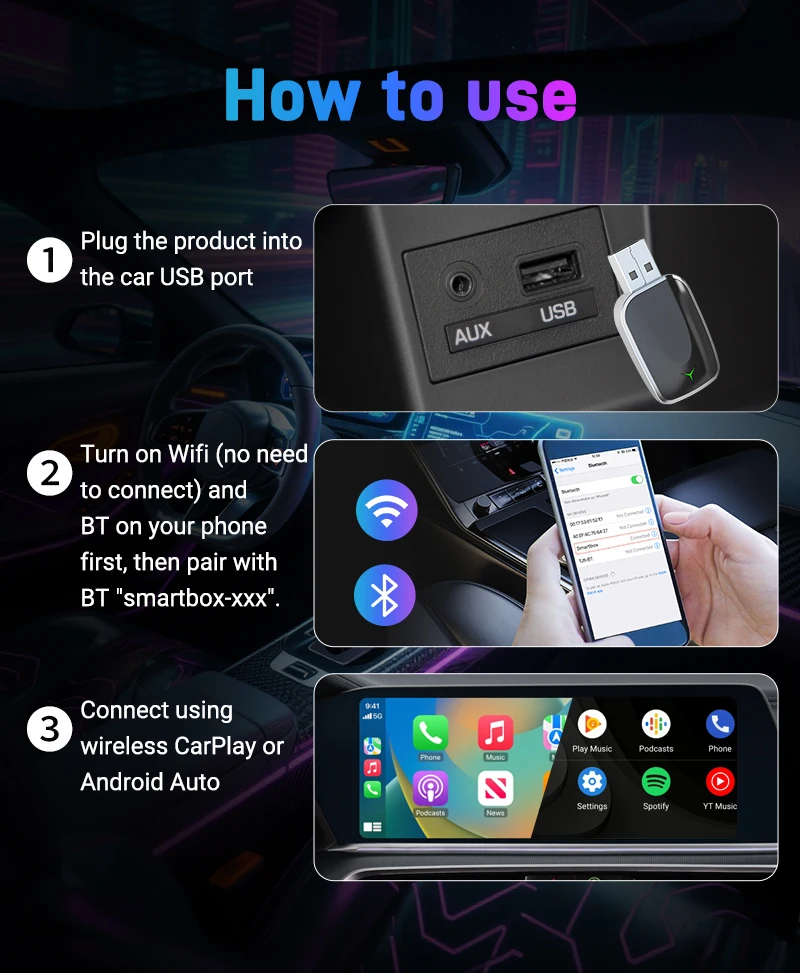
How to Set Up the Adapter
Follow the supplied instruction manual for the exact setup process.
For the supplied setup method:
- Confirm that your vehicle already supports wired CarPlay or Android Auto.
- Plug the adapter into the vehicle’s appropriate USB data port.
- Enable Bluetooth on your compatible smartphone.
- Search for the adapter identified as SmartBox XXX.
- Pair the smartphone with the adapter.
- Follow the prompts displayed on the phone or vehicle system.
- Allow the wireless CarPlay or Android Auto connection to establish.
Future connection behaviour depends on the vehicle, smartphone and saved pairing configuration.
Why Choose This Wireless Adapter?
Key features include:
- Wired-to-wireless CarPlay conversion
- Wired-to-wireless Android Auto conversion
- 5.8GHz WiFi data transmission
- Bluetooth initial pairing
- Plug-and-play setup
- OTA firmware-update support
- Siri support through compatible CarPlay
- Google Assistant support through compatible Android Auto
- iPhone 6 and newer support as specified
- iOS 10 or later as specified
- Android 11 or later as specified
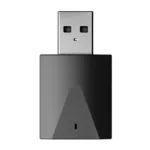
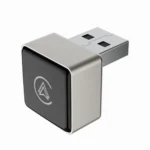
- Compact adapter format
- Instruction manual included
Product Specifications
| Specification | Details |
|---|---|
| Product Type | Wireless CarPlay & Android Auto Adapter |
| CarPlay Function | Wired-to-Wireless Conversion |
| Android Auto Function | Wired-to-Wireless Conversion |
| Wireless Technology | 5.8GHz WiFi |
| Initial Pairing | Bluetooth |
| Data Transmission | WiFi |
| iPhone Support | iPhone 6 and Newer |
| iOS Requirement | iOS 10 or Later |
| Android Requirement | Android 11 or Later |
| Huawei EMUI Support | No |
| Vehicle Requirement | Factory Wired CarPlay or Android Auto |
| Voice Assistant Support | Siri, Google Assistant |
| Setup | Plug & Play |
| Firmware Updates | OTA Updates Supported |
| Design | Ultra-Compact |
Compatibility Notes
This adapter does not add Apple CarPlay or Android Auto to a vehicle that does not already support the corresponding wired system.
The supplied information indicates broad vehicle compatibility but also identifies BMW, Tesla and certain other models as potentially unsupported.
Always verify the exact vehicle, model year, infotainment system and smartphone requirements before purchase.
What’s in the Box
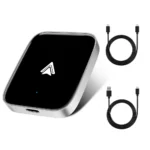
- 1 × Wireless CarPlay & Android Auto Adapter
- 1 × Instruction Manual
Delivery Information
| Destination | Estimated Delivery Time |
|---|---|
| USA | 5–7 business days |
| UK | 4–6 business days |
| Australia | 3–5 business days |
| Europe | 4–6 business days |
| Worldwide | 5–7 business days |
Delivery estimates may vary because of customs clearance, public holidays, courier delays or remote delivery locations.





Related Products
3 reviews for WireFree CarPlay Adapter – Wireless Android Auto & CarPlay Dongle
Clear filters